Chapter 6: Console Configuration
User Defined Panel
Eclipse User Guide 2.0 325/ 526
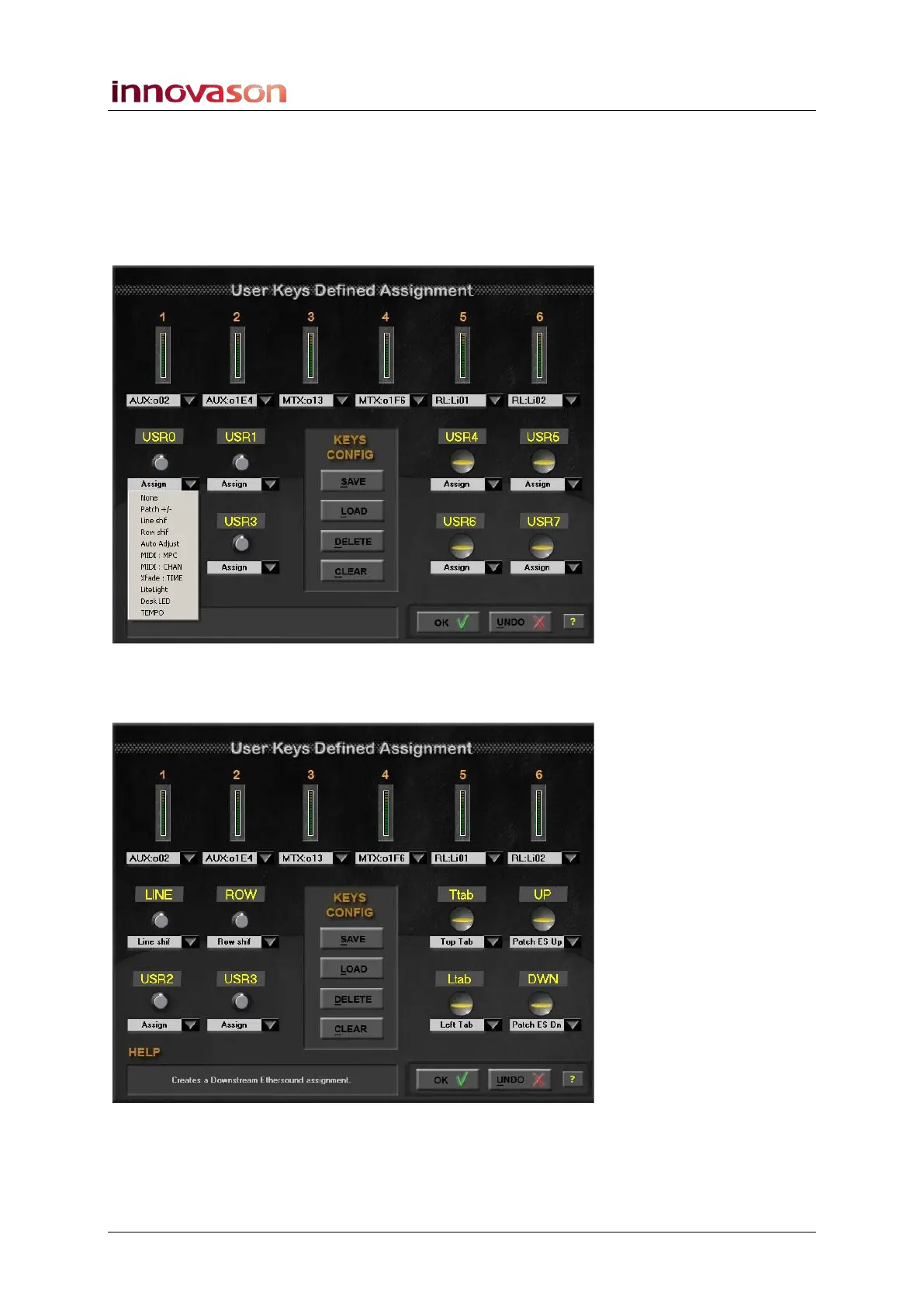
Assigning a Rotary Control or Switch function
The four rotary controls and four switches are assigned in a
similar manner:
1. Click on the arrow below the control or switch to reveal
the options:
2. Select a function and click to make the assignment.
The name of the function appears above the control:
3. Press OK to exit the configuration window.



 To Next Page