Chapter 6: Console Configuration
User Defined Panel
334/ 526 2.0 Eclipse User Guide
Insert Page
Short cut key for inserting a new Page based on the current
Page. This is the same as selecting “Page -> Insert Next as” or
pressing [F2] on the console keyboard. See page 356 for
details.
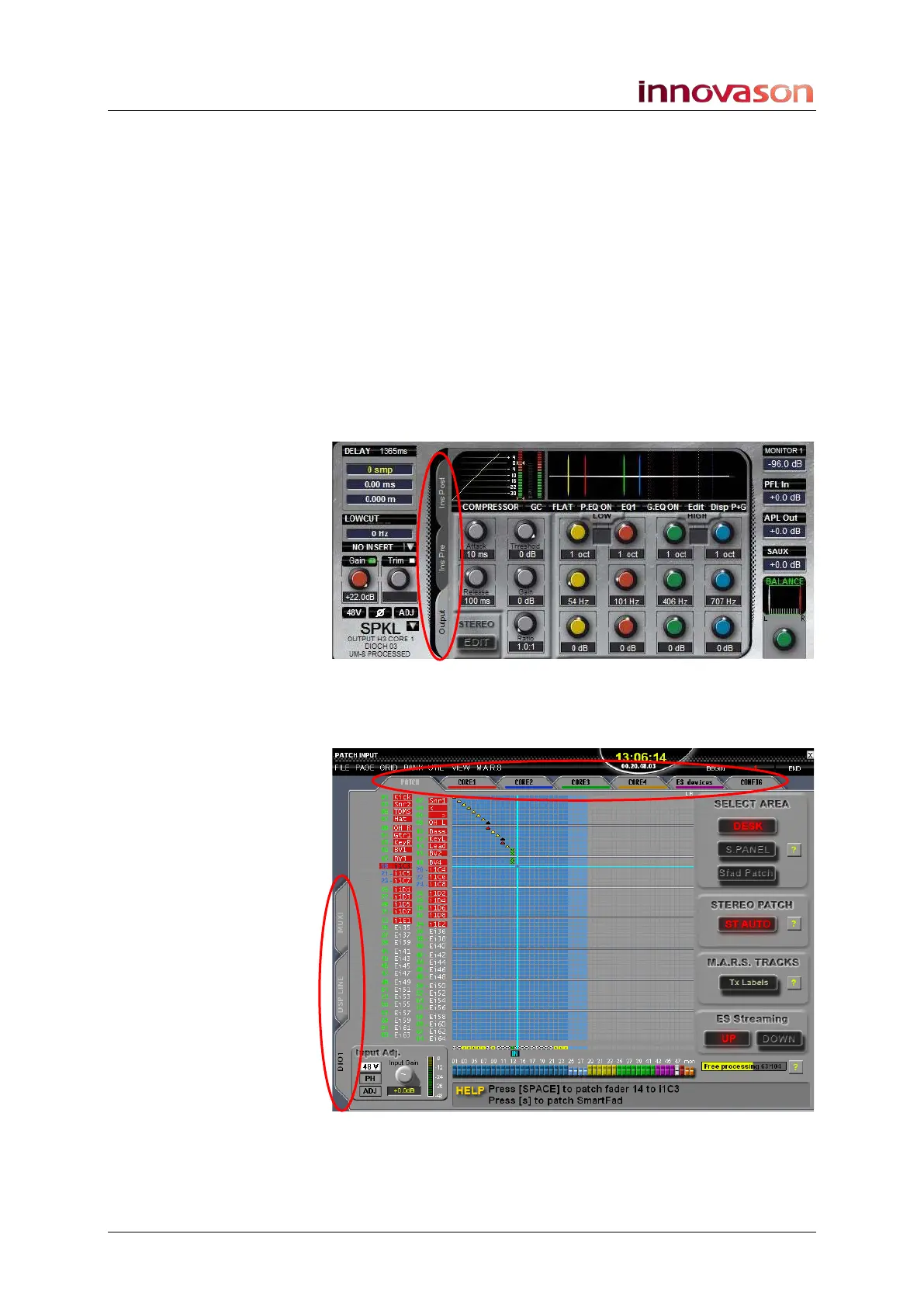
Top Tab and Left Tab
These two functions work within any display which has side or
top tabs.
For example, on the Main Mix display you can use the Left Tab
switch to cycle between the Channel and Insert tabs on an
input channel or through the Output, InsPre and Ins Post tabs
on an output channel:
On the PATCH INPUT display, the Left Tab switch will select a
source category, and the Top Tab switch will cycle through the
PATCH, CORE, ES devices and CONFIG options:



 To Next Page