Chapter 8: Utilities & Preferences
Relax (Automation Isolate)
Eclipse User Guide 2.0 405/ 526
5. Now turn off the Relax button to return to the Main Mix
display.
You will be asked to confirm any changes made to the RELAX
grid.
6. Press OK to confirm.
From here on, if you recall a Page using the Load Page, Goto,
Next, Previous or automated Play List functions, any relaxed
channel parameters are not reset.
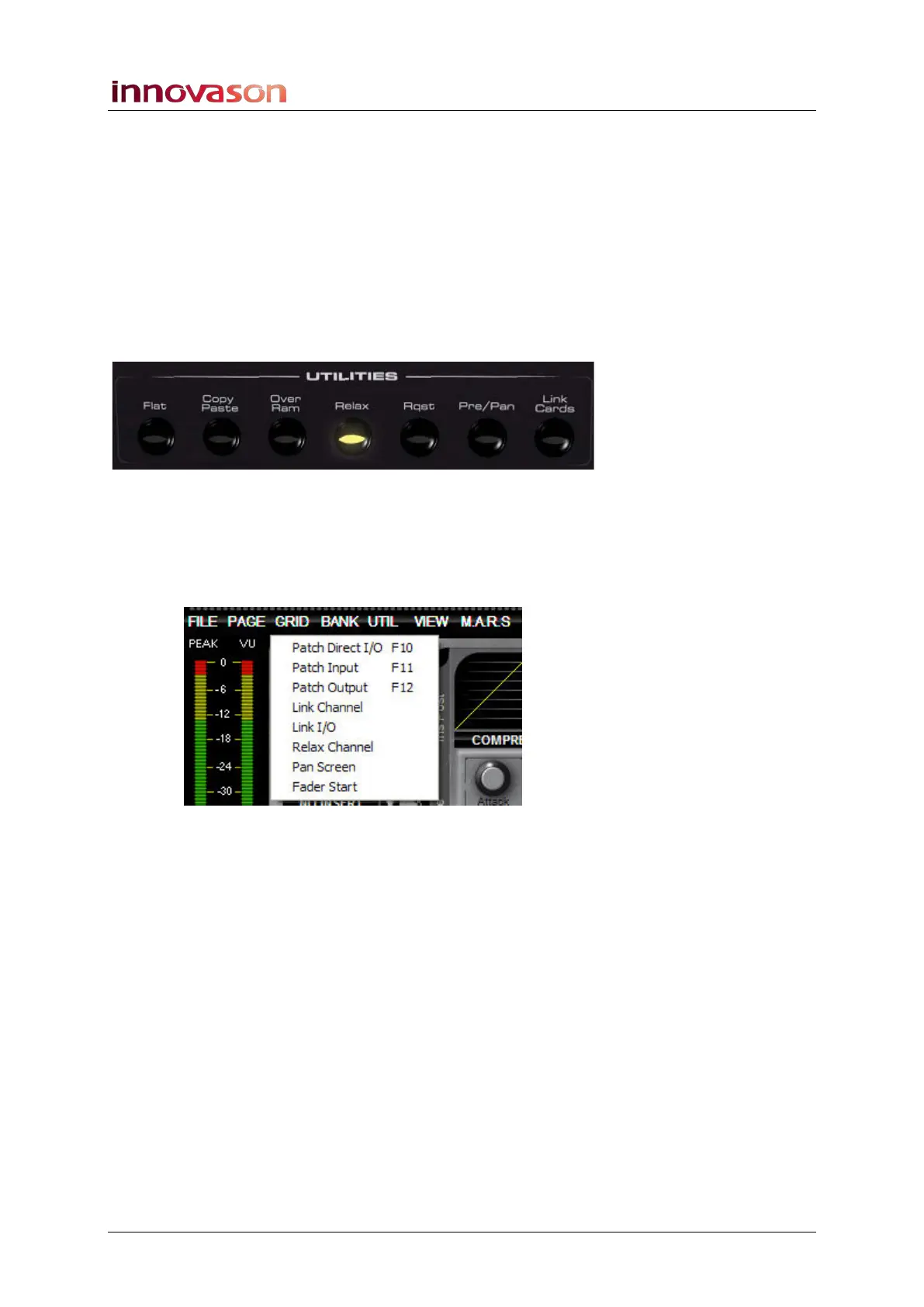
Note that whenever you select a channel with relaxed
parameters, the Relax button illuminates:
Note that the configuration of the Relax grid is saved in the
active File. This means that when you load a File, the status of
isolated channel parameters are remembered.
If you are working offline, you can select the Relax channel
display from the GRID main menu:



 To Next Page