Chapter 9: Offline Configuration
Adjusting Mix Parameters
Eclipse User Guide 2.0 443/ 526
4. To change the routing to or from a channel, select it, and
then use the yellow row of buttons to make
assignments:
Just as on the console you can select an input channel and
route from it (Forward assign), or select an output channel and
route to it (Reverse assign), see Page 74.
5. To control switched functions, such as Compressor
On/Off, position the pointer over the button and left-click:
Some functions such as phantom power (48V) have a keyboard
shortcut [F7]. For a full list of shortcuts, see Page 434.
6. To adjust on-screen rotary controls such as Compressor
Threshold, position the pointer over the control and left-
click to decrement or right-click to increment the value.
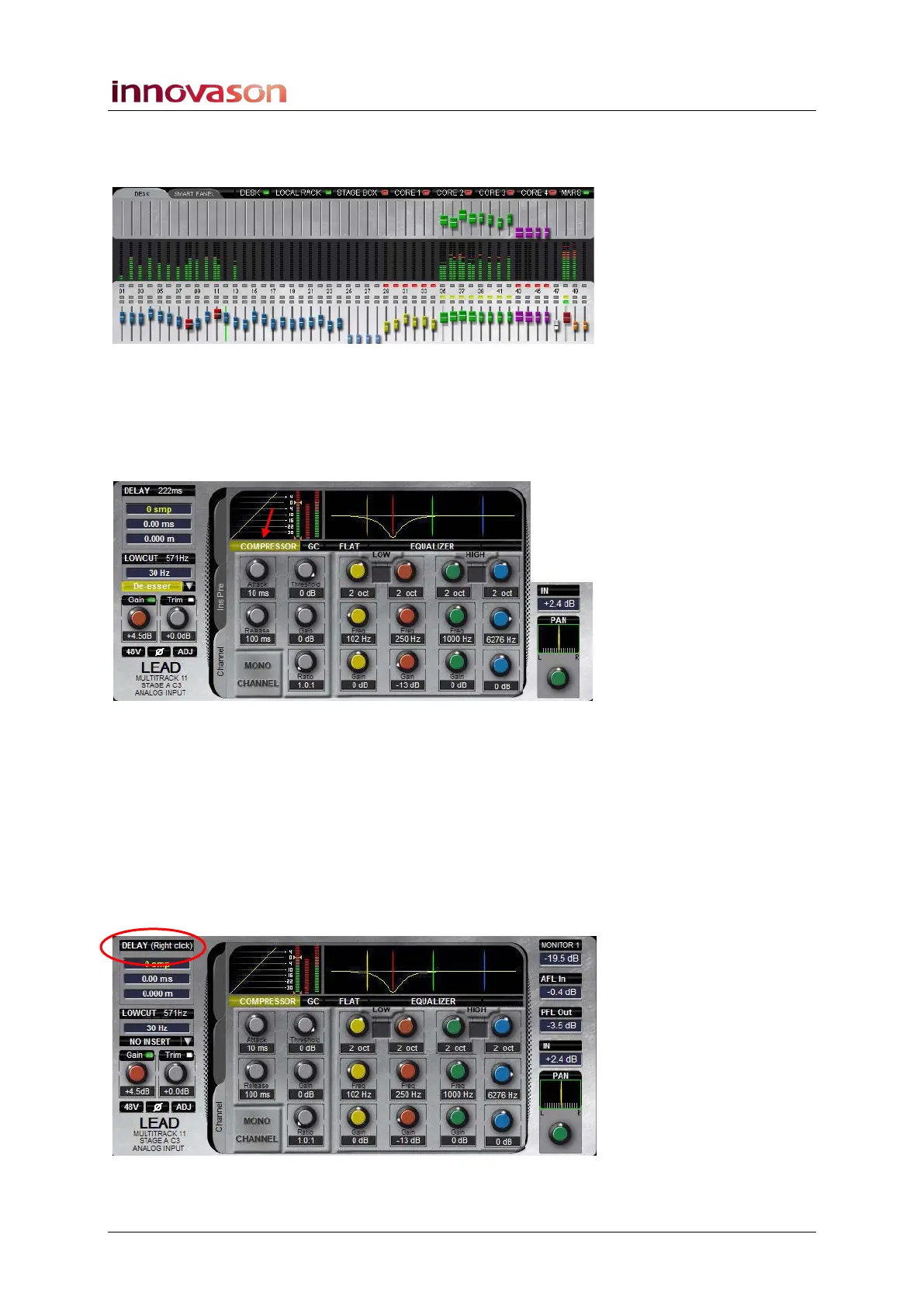
7. Sometimes the right-click button is required to access a
particular function: for example, to assign a Delay to a
channel.
In most instances, the screen text will guide you:



 To Next Page