8 ADDITIONAL FUNCTIONS DACS-W Operation Manual
8-12
8.4.2.7 Zero Error Reject Direction
This item defines which direction packs are diverted when zero error occurs.
Follow this procedure to set parameter.
8.4.2.8 Double Item Reject Direction
This item defines which direction packs are diverted when double item error occurs.
Follow this procedure to set parameter.
1. Display the Reject Setting menu.
2. Press or to align the cursor with
"Zero Error Reject Dir.".
3. Press .
The Zero Error Reject Dir. menu appears.
4. To set "left" as the reject direction, Press [0].
To set "center" as the reject direction, Press
[1].
To set "right" as the reject direction, Press [2].
To set "stop" as the reject direction, Press [3].
To set "OFF" as the reject direction, Press [4].
The setting for this parameter will appear on
the Reject Setting menu.
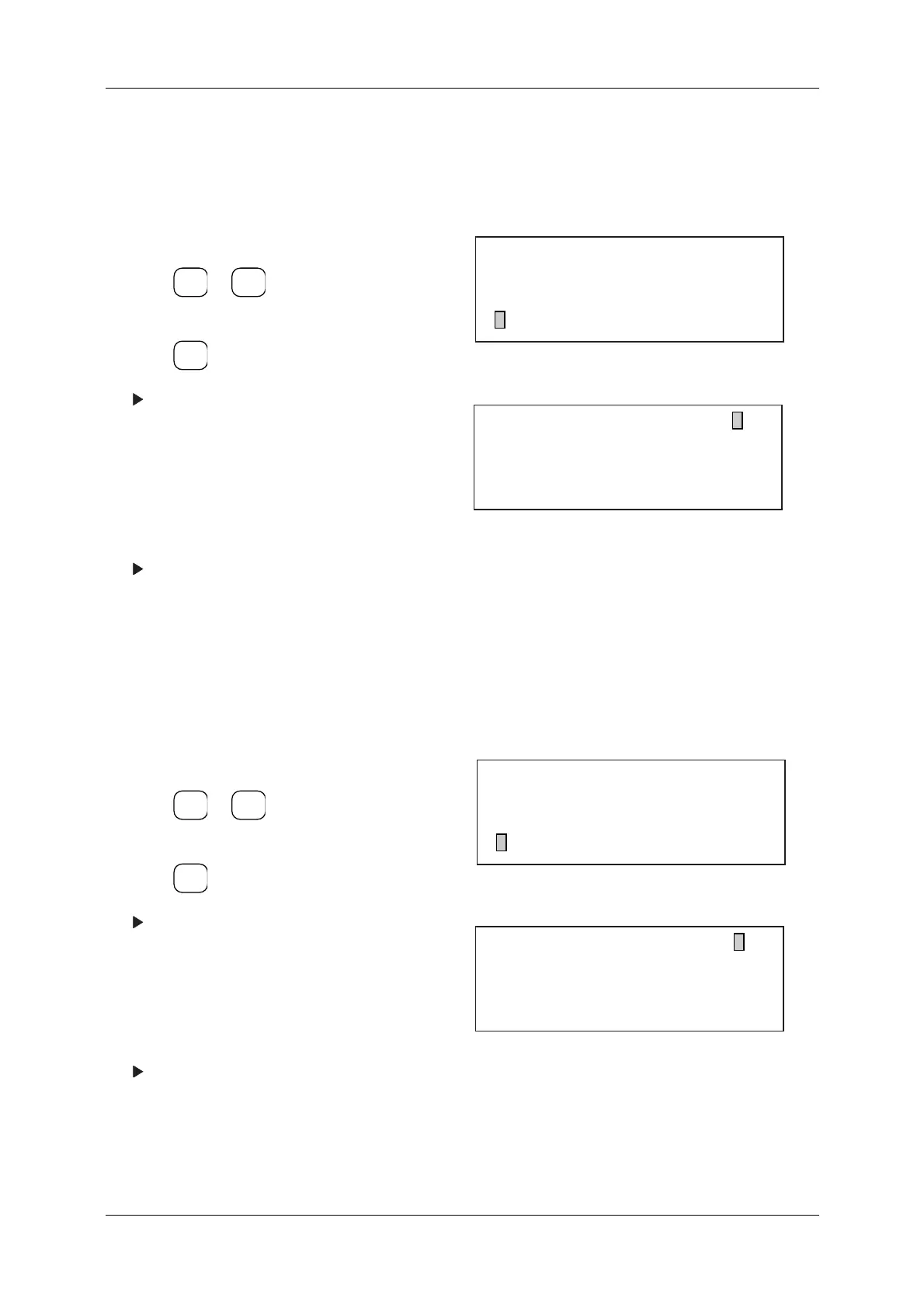
Figure 8-22 Reject Setting Menu
Figure 8-23 Zero Error Reject Dir. Menu
1. Display the Reject Setting menu.
2. Press or to align the cursor with
"Ext.2 Rej. Direction".
3. Press .
The Double Item Rej. Dir. menu appears.
4. To set "left" as the reject direction, Press [0].
To set "center" as the reject direction, Press
[1].
To set "right" as the reject direction, Press [2].
To set "OFF" as the reject direction, Press [4].
The setting for this parameter will appear on
the Reject Setting menu.
Figure 8-24 Reject Setting Menu
Figure 8-25 Double Item Rej. Dir. Menu
ENTER
▼
▲
SELECT
ITEM
[Reject Setting]
* Ext.1 Rej. Direction Left
* Ext.2 Rej. Direction Left
* Zero Error Reject Dir. Left
[Zero Error Reject Dir. ]
0... Left 3... Stop
1...Center 4... OFF
2... Right
ENTER
▼
▲
SELECT
ITEM
[Reject Setting]
* Ext.2 Rej. Direction Left
* Zero Error Reject Dir. Left
* Double Item Rej. Dir. Left
[Double Item Rej. Dir. ]
0... Left 3... Stop
1...Center 4... OFF
2... Right



 To Next Page