8 ADDITIONAL FUNCTIONS DACS-W Operation Manual
8-20
8.4.2.22 Continuous N/G Stop
This item sets whether to automatically stop or not stop equipment when rejected items (underweight,
overweight, metal detected) have occurred in succession. The number of rejected items is set in the preset
menu of Continuous N/G Count.
Follow the procedure shown below to operate Continuous N/G Count.
8.4.2.23 Continuous N/G Output Signal
This item sets whether to automatically send or not send output signals when rejected items
(underweight, overweight, metal detected) have occurred in succession. The number of rejected items is
set the preset menu of Continuous N/G Count Follow the procedure shown below to operate Continuous
N/G Output Signal.
1. Display the Reject Setting menu.
2. Press or to align the cursor with
"Reject Buzzer ON Time".
3. Enter the ON Time value in milliseconds.
The set ON Time is displayed.
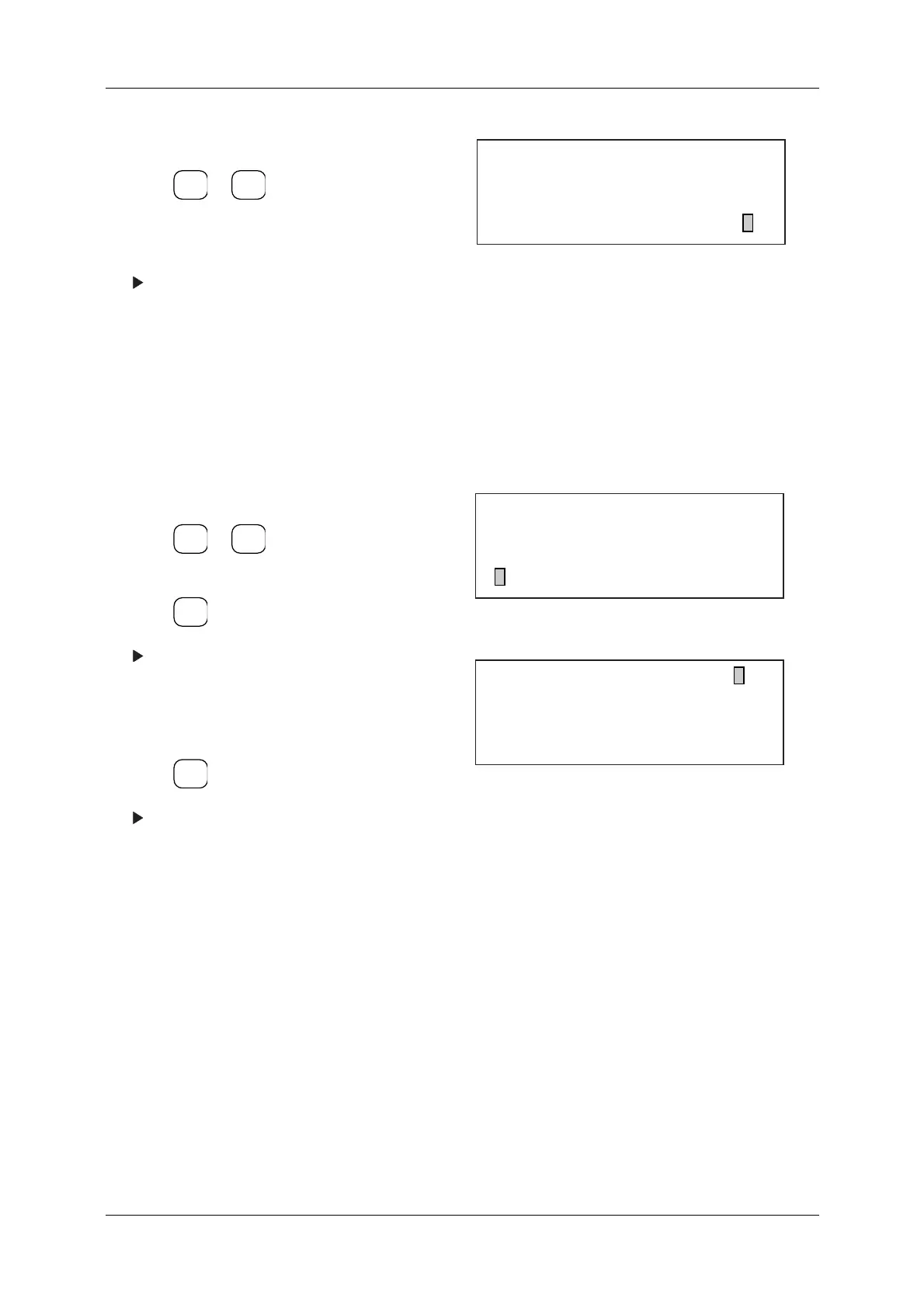
Figure 8-46 Reject Setting Menu
1. Display the Reject Setting menu.
2. Press or to align the cursor with
"Continuous N/G Stop".
3. Press .
The Continuous N/G Stop menu appears.
4. Enter [0] to deactivate continuous N/G Stop
function.
Enter [1] to activate the function.
5. Press .
The setting for this parameter will appear on
the Reject Setting menu.
Figure 8-47 Reject Setting Menu
Figure 8-48 Continuous N/G Stop Menu
ENTER
▼
▲
[Reject Setting]
* Output Signal 3 ON Time 0 ms
* Output Signal 4 ON Time 0 ms
* Reject Buzzer ON Time 0 ms
ENTER
▼
▲
SELECT
ITEM
EXIT
[Reject Setting]
* Output Signal 4 ON Time 0 ms
* Reject Buzzer ON Time 0 ms
* Continuous N/G Stop OFF
[Continuous N/G Stop ] 1
0... OFF
1... ON



 To Next Page