DACS-W Operation Manual 5 NORMAL OPERATIONS & FUNCTIONS
5-25
5.6.1.12 Continuous N/G Count
This item sets the reject count for stopping equipment or sending an output signal from the equipment
when rejected items (underweight, overweight, metal detected) have occurred in succession. Settings for
Continuous N/G Stop and Continuous N/G Signal Output are performed in the reject setting menu of the
installation engineer level. Follow the procedure shown below to operate set Continuous N/G Count.
7. Remove the product from the weigh conveyor.
8. Press .
The weigh conveyor starts.
The Dynamic Calibration menu (3) appears.
9. Place the product which was loaded on the
weigh conveyor in Step 4) on the infeed
conveyor.
The product is weighed, then discharged
from the weigh conveyor.
10. Load the discharged product on the infeed
conveyor.
The product is weighed, then discharged
from the weigh conveyor.
11. Repeat steps 8)and 9) above until the weigh
conveyor stops automatically.
When weighing has stabilized, the weigh
con-veyor stops automatically. The "Dynamic
Calibration completed" message appears and
Dynamic Calibration is complete.
If the weight is outside a range of ±10% ref-
erence of the weight by static weight cal-
culation as well as dynamic calibration, the
display to the right will appear and dynamic
calibration will be stopped.
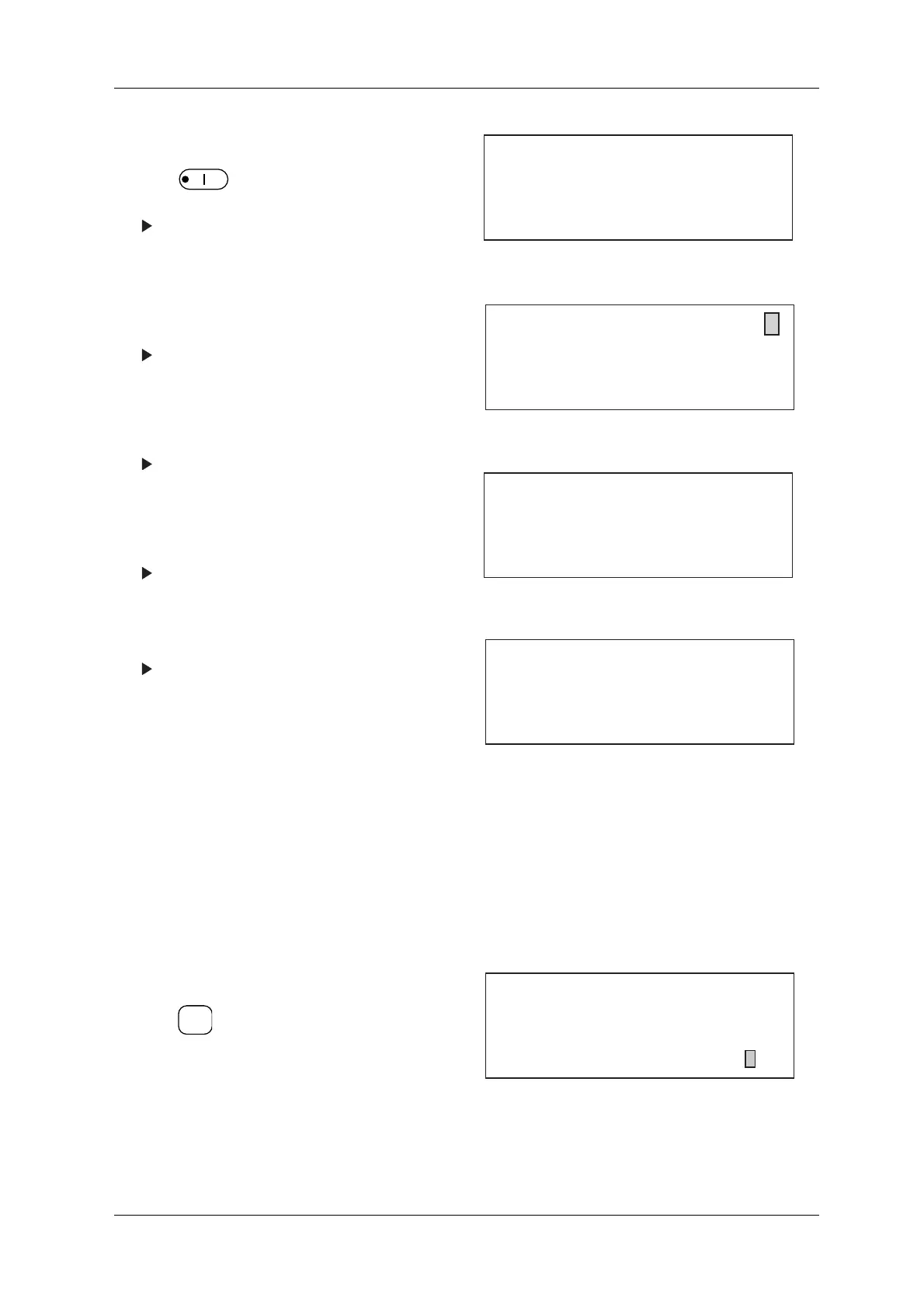
Figure 5-54 Dynamic Calibration Menu (2)
Figure 5-55 Dynamic Calibration Menu (3)
Figure 5-56 Dynamic Calibration Completed Menu
Figure 5-57 Dynamic Calibration Suspension Menu
1. Call up the Preset menu.
2. Press to scroll the cursor to "Continuous
N/G Count".
3. Set the desired count value via the ten-key pad.
When set to 0, the [Continuous N/G Count
Stop] and [Continuous N/G Output] will not be
operational.
Figure 5-58 Preset Menu
[Dynamic Calibration]
Remove product then press
[START] key.
Conveyor will start:
[Dynamic Calibration]
Dynamic Calibration in progress :
Re-pass same product on conveyor.
[Dynamic Calibration]
Dynamic Calibration completed:
Press [STOP] key.
Dynamic Calibration is suspended.
Weight is not within 10 of reference
Press [EXIT] key.
+
_
ENTER
▼
[Preset]
No. 2
* Preset Tare 10.0 g
* Dynamic Calibration
* Continuous N/G Count 5 pc



 To Next Page