DACS-W Operation Manual 8 ADDITIONAL FUNCTIONS
8-23
8.4.3.3 Printer
This item is used to set whether an optional printer is installed or not.
Setting is perfor med as described below.
8.4.3.4 Reject Device
When a rejector is operated with the checkweigher, this item is used to set the type of device to be used.
When no rejector is to operate, this parameter is set to Air.
Setting is performed as described below.
1. Display the System Configuration menu.
2. Press or to align the cursor with
"Printer".
3. Press .
The Printer menu appears.
4. To set printer OFF, Press [0].
To set printer ON, Press [1].
The setting for this parameter will appear on
the System Configuration menu.
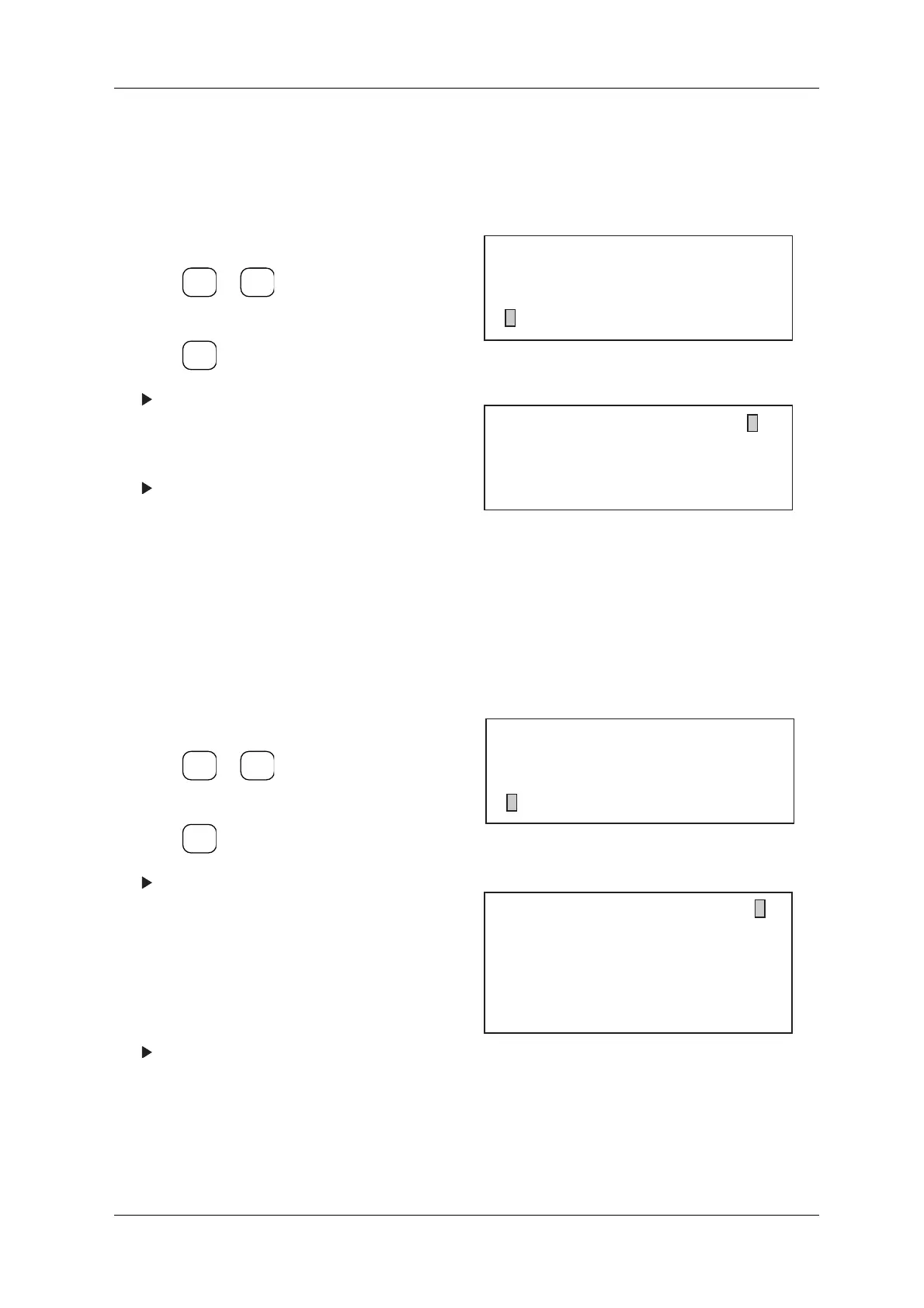
Figure 8-56 System Configuration Menu
Figure 8-57 Printer Menu
1. Display the System Configuration menu.
2. Press or to align the cursor with
"Reject Device".
3. Press .
The Reject Device menu appears.
4. Set to [0] for Air.
Set to [1] for Arm 1.
Set to [2] for Arm 2.
Set to [3] for Arm 3 (W).
Set to [4] for Roller Conveyor 1.
Set to [5] for Roller Conveyor 2.
The present setting for Reject Device will be
displayed in the upper right-hand corner.
Figure 8-58 System Configuration Menu
Figure 8-59 Reject Device Menu
ENTER
▼
▲
SELECT
ITEM
[System Configuration]
* Weight Display Absolute Value
* Metal Detection ON
* Printer ON
[Printer]
0... OFF
1... ON
1
ENTER
▼
▲
SELECT
ITEM
[System Configuration]
* Metal Detection Integrated
* Printer ON
* Reject Device Arm3 (W)
[Reject Device]
0... Air
1... Arm 1
2... Arm 2
3... Arm 3 (W)
4... Roller Conveyor 1
5... Roller Conveyor 2
1



 To Next Page