DACS-W Operation Manual 11 OPTION
11-13
11.2.4System Configuration
An item was added to the System Configuration menu displaying FBC specifications. To activate
Feedback Control follow the procedures listed below.
11.2.5Error Message
An error message was added concerning FBC.
11.3 FLOATING REF. WT. REVISION
11.3.1Overview
Floating Reference Weight Revision functions as follows. When fluctuations in the average weight of
product are relatively large, the reference weight is revised to equal the average weight of each pack as
it is weighed. In this way, weight variations do not adversely affect the weighing operation. This is
especially effective in checking for missing pieces.
EXAMPLE: If the Reference Weight Revision Piece Count is 3, the Reference Weight value will be
revised in the following manner:
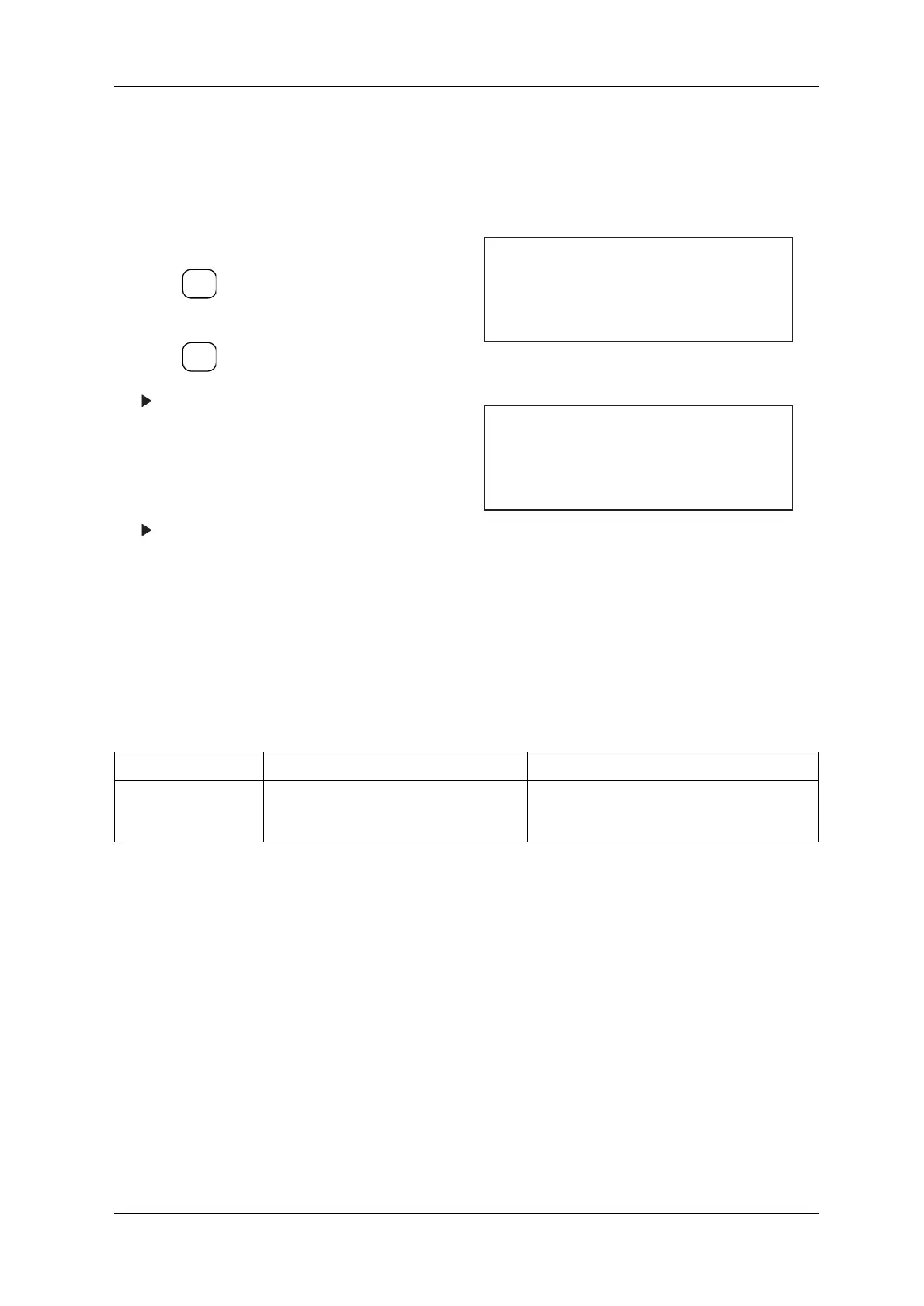
1. Call up the System Configuration menu.
2. Press and move the cursor to Feedback
Control.
3. Press .
The Feedback Control menu appears.
4. Enter 0 via the ten-key to deactivate Feedback
Control.
Enter 1 via the ten-key to activate Feedback
Control.
The setting for Feedback Control is complete
and is shown in the System Configuration
menu.
Figure 11-33 System Configuration Menu
Figure 11-34 Feedback Control Menu
Table 11-2 Error Message Chart
MESSAGE CAUSE COUNTERMEASURE
FBC Error Connection error with FBC board. This
message appears when the +24VDC power to
the FBC goes out.
Contact an Ishida Service representative.
ENTER
▼
SELECT
ITEM
[System Configuration]
* Rejector arm
* Feedback Control OFF
* Tare ON
[Feedback Control]
ON
0... OFF
1...



 To Next Page