DACS-W Operation Manual 11 OPTION
11-7
11.1.5Error Message
An error message was added concerning FBC.
11.2 INDIRECT FEEDBACK CONTROL(TREND
OUTPUT)
11.2.1Overview
This chapter describes the function and operation of DACS-W Indirect Feedback Control (trend output)
which is used for interlock operation with certain types of auger fillers.
The displays and settings described here are available when the Feedback Control (System
Configuration Menu) is activated.
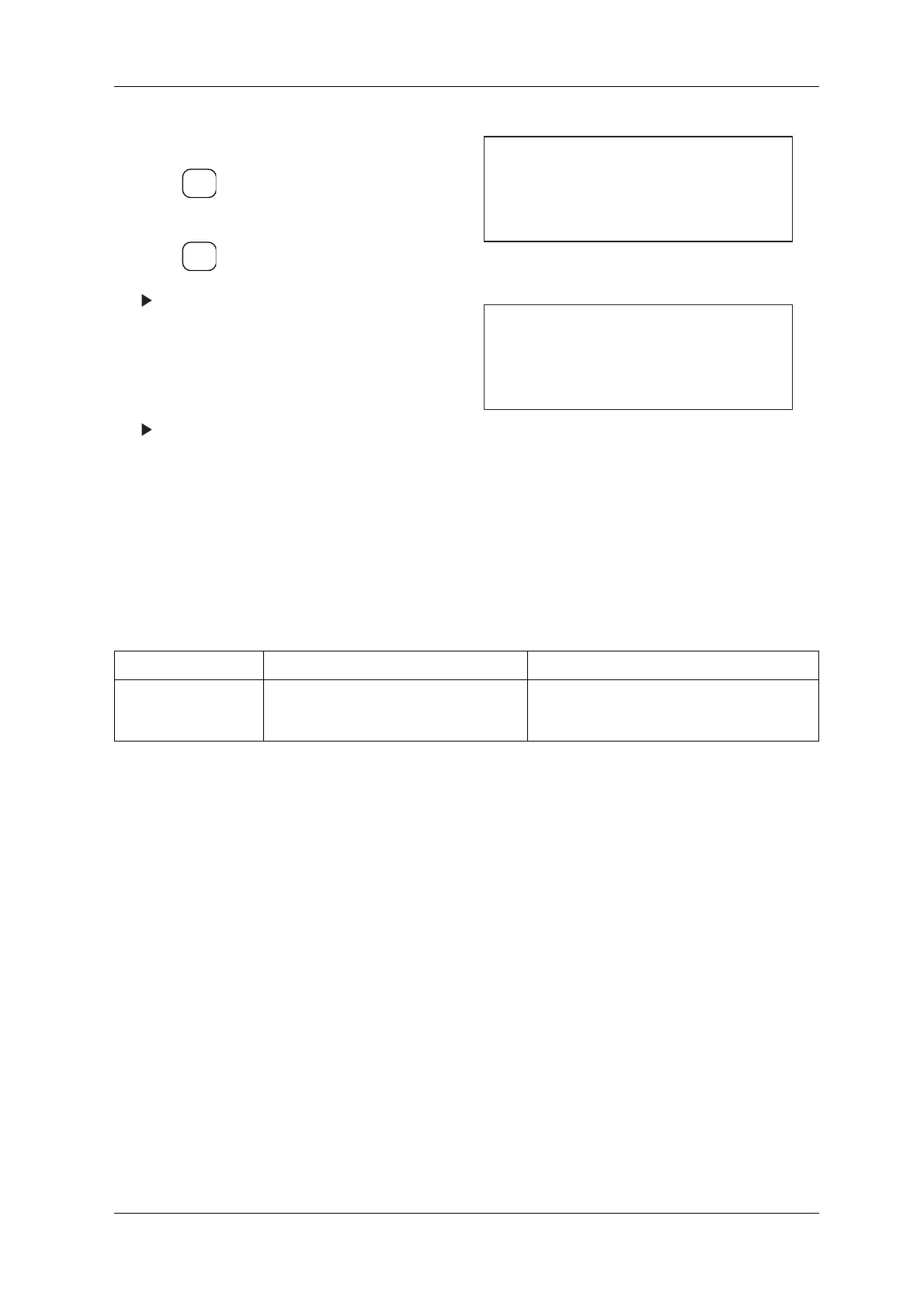
1. Call up the System Configuration menu.
2. Press and move the cursor to Feedback
Control.
3. Press .
The Feedback Control menu appears.
4. Enter 0 via the ten-key to deactivate Feedback
Control.
Enter 1 via the ten-key to activate Feedback
Control.
The setting for Feedback Control is complete
and is shown in the System Configuration
menu.
Figure 11-17 System Configuration Menu
Figure 11-18 Feedback Control Menu
Table 11-1 Error Message Chart
MESSAGE CAUSE COUNTERMEASURE
FBC Error Connection error with FBC board. This
message appears when the +24VDC power to
the FBC goes out.
Contact an Ishida Service representative.
ENTER
▼
SELECT
ITEM
[System Configuration]
* Rejector arm
* Feedback Control OFF
* Tare ON
[Feedback Control]
ON
0... OFF
1...



 To Next Page