DACS-W Operation Manual 11 OPTION
11-15
11.3.2Preset Parameters
There are 5 Preset Parameter settings which can be set if the Floating Reference Weight item is activated
in the System Configuration menu.
11.3.2.1 Ref. Wt. Rev. Upper
When [Ref. Wt. + UPPER LIMIT] exceeds this value, this value becomes the upper limit, and packs
exceeding this value are judged overweight. This parameter is entered as an absolute value. To set Ref.
Wt. Rev. Upper follow the procedures listed below.
11.3.2.2 Ref. Wt. Rev. Lower
When Ref. Wt. Rev. Lower is less than this value, this value becomes the lower limit, and packs
weighing less than this value are judged underweight. This parameter is entered as an absolute value. To
set Ref. Wt. Rev. Lower follow the procedures listed below.
11.3.2.3 Ref. Wt. Rev. Count
Proper weight data is sampled and reference weight is revised based on the average weight of one
product. This item sets the count which is used to calculate the average weight Setting Range: 0-99.
NOTE: If "0" is set, the Ref. Wt. Rev. Upper and Lower Limit values will still be in effect, even though
reference weight revision is not performed. To set Ref. Wt. Rev. Count follow the procedures listed
below.
1. Call up the Preset Setting menu.
2. Press and move the cursor to Ref. Wt.
Rev. Upper.
3. Set value via ten-keys.
The Setting for Ref. Wt. Rev. Upper is
complete.
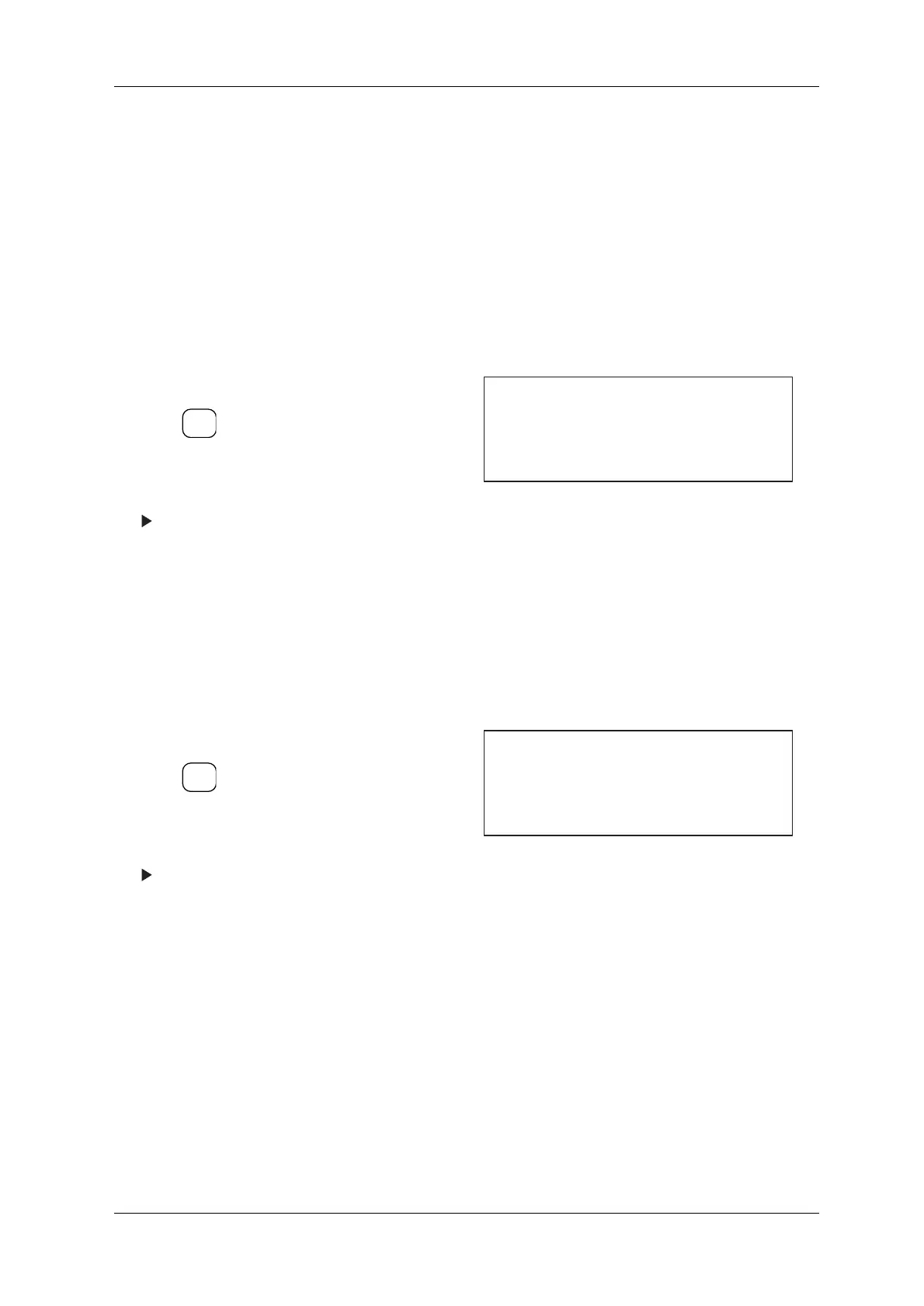
Figure 11-36 PRESET Setting Menu
1. Call up the Preset Setting menu.
2. Press and move the cursor to Ref. Wt.
Rev. Lower.
3. Set value via ten-keys.
The Ref. Wt. Rev. Lower is displayed and
setting is complete.
Figure 11-37 PRESET Setting Menu
ENTER
▼
[Preset Setting]
* Ref. Wt. Rev. Upper 500.0 g
* Ref. Wt. Rev. Lower 100.0 g
* Ref. Wt. Rev. Count 5pc
No. 2
ENTER
▼
[Preset Setting]
* Ref. Wt. Rev. Upper 500.0 g
* Ref. Wt. Rev. Lower 100.0 g
* Ref. Wt. Rev. Count 5pc
No. 2



 To Next Page