DACS-W Operation Manual 5 NORMAL OPERATIONS & FUNCTIONS
5-23
5.6.1.10 Preset Tare
This item is used to check net weight of product by tare (weight of the container, package etc.)
subtraction.
This item will not be displayed on the Preset menu if the Tare Subtraction item is set to OFF in the
System Configuration menu of the Installation Engineer level.
Follow the procedure described below to perform Tare Setting.
5.6.1.11 Dynamic Calibration
If there is a discrepancy between the standby status weight display and the actual operational weight
display for a certain product, this item is used to set a compensation value so that the correct weight is
displayed.
When Dynamic Calibration has been set to OFF in the System Configuration menu of the Installation
Engineer level, Dynamic Calibration menu will not appear.
Follow the procedure described below to perform Dynamic Calibration setting.
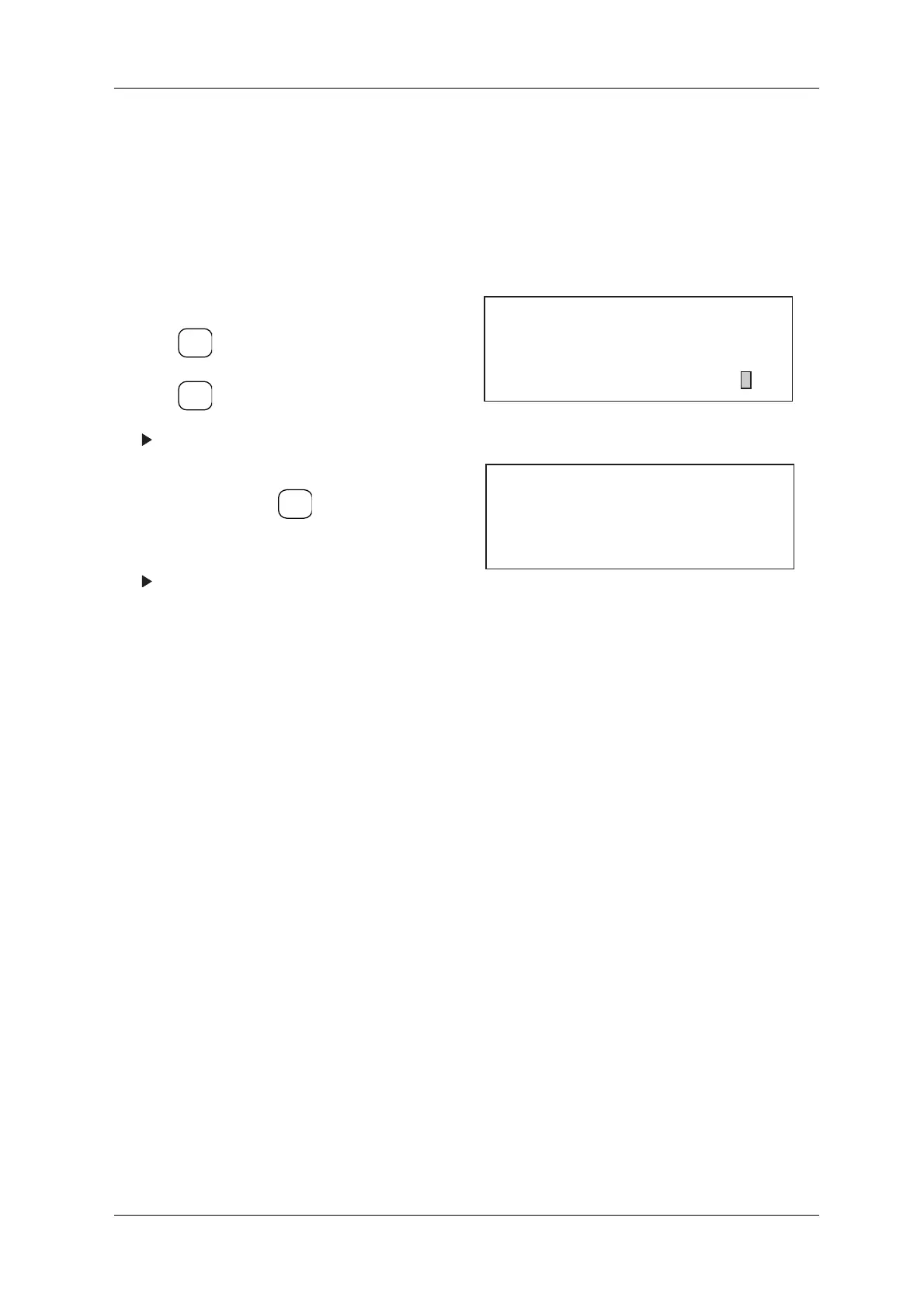
1. Call up the Preset menu.
2. Press to scroll the cursor to "Preset Tare".
3. Press .
The set tare value appears.
4. Set tare value via ten-key or place weight on
conveyor and press .
5. Tare value is set.
The Preset menu appears.
Figure 5-49 Preset Menu
Figure 5-50 Tare Set Menu
ENTER
▼
SELECT
ITEM
SELECT
ITEM
[Preset]
No. 2
* Over Weight Accept ON
* Metal Detection Metal
* Preset Tare 0.0 g
[Preset Tare]
10.0 g
Enter directly on ten-key pad or
Press [SELECT
ITEM] key.



 To Next Page