9 PERIODIC MAINTENANCE DACS-W Operation Manual
9-4
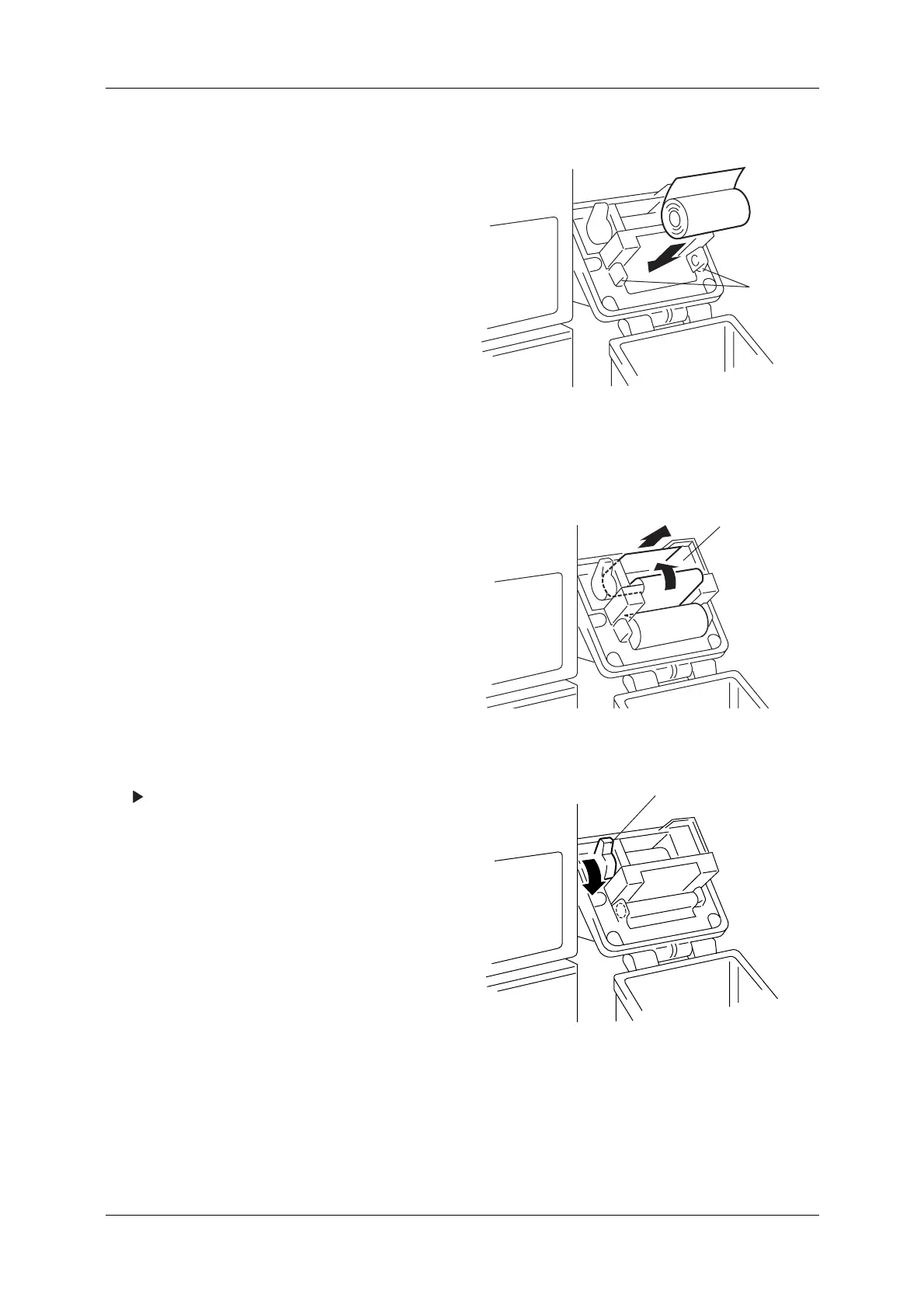
4. Press open the roll holder clips and remove the
empty roll core.
5. Load a new roll, making sure that it is properly
inserted as shown to the right.
Figure 9-3 Paper Roll Loading
6. Thread the end of the paper through the printer
as shown.
7. Position the paper end so that it extends 1cm
past the printer exit slot.
Figure 9-4 Printer Paper Threading
8. Press the lever down.
The printer head returns to the lowered
position.
Figure 9-5 Printer Internal View
CLIPS
PRINTER
EXIT SLO
LEVER



 To Next Page