DACS-W Operation Manual 6 PRODUCTION
6-7
1. Press .
The START lamp goes out and production
stops.
2. Remove the product from the weigh conveyor.
3. Confirm that the [0] is displayed.
When [0] is not displayed, perform Zero
Adjustment. (See 5.5.1)
4. Place a span weight on the weigh conveyor.
5. Confirm that the correct span adjustment
weight is displayed.
If the correct span adjustment weight is not
displayed, perform Span Adjustment. (See
5.6.3)
6. When the display reads [0] and the span weight
is correct, confirm that the weigh parameter
settings are correct.
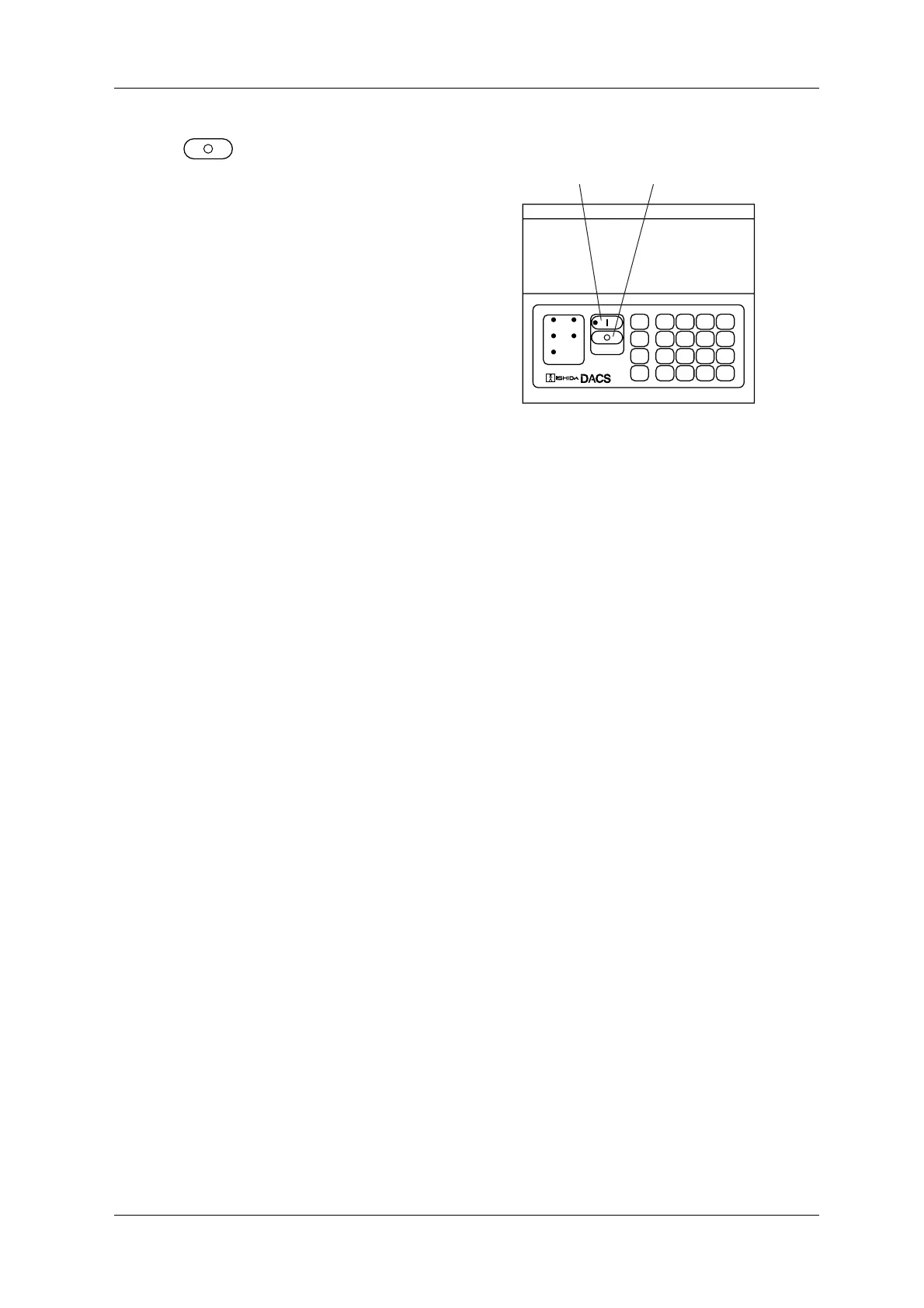
Figure 6-10 Operation Panel
OVER
PROPER
DYNAMIC
CALIBRATE
NET
UNDER
CONVEYOR
SET
UP
INFO
PRINT
7
4
1
0
8
5
2
.
9
6
3
C
EXIT
▲
ENTER
▼
DIGITALAUTOMATICCHECKINGSYSTEM
→0←
SELECT
ITEM
START KEY
STOP KEY



 To Next Page