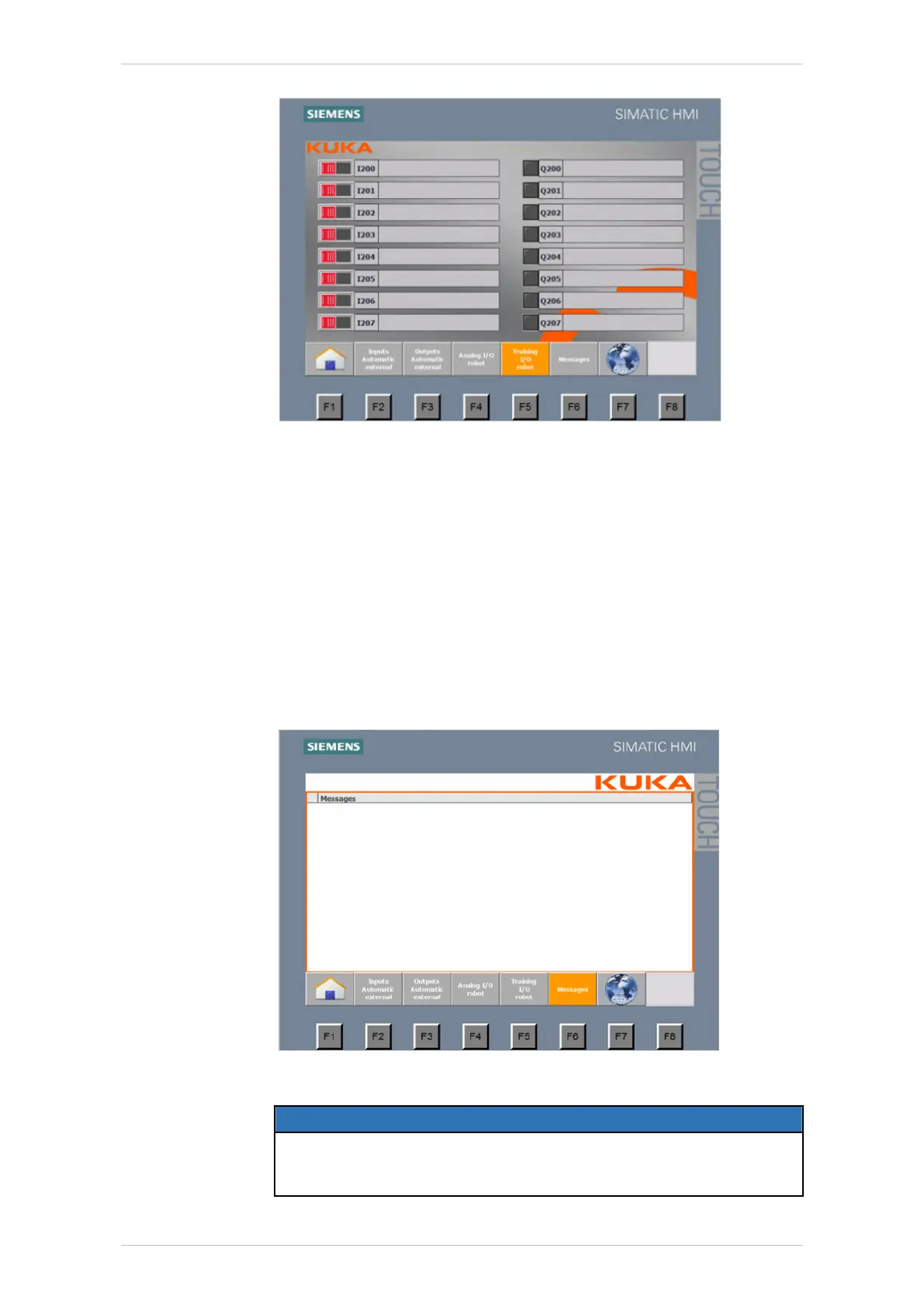
Fig. 10-7: Training I/O robot user interface
Messages
All active messages are displayed in the Messages user interface. The fol-
lowing messages may be active, for example:
• Operator safety open
• External Emergency Stop
• smartPAD Emergency Stop
• Automatic External selected
• Activate overall motion enable -> $MOVE_ENABLE
Internal system messages from the CPU and HMI can also be displayed
here.
Fig. 10-8: Messages user interface
NOTICE
If the operator leaves the training cell, he must lock the touch panel,
actuate the EMERGENCY STOP device and store the key for the
EMERGENCY STOP securely.
ready2_educate
BA ready2_educate V8 | Issued: 05.09.2018 www.kuka.com | 107/154
Operation



 To Next Page