Diagnostic aids 3-3
5062
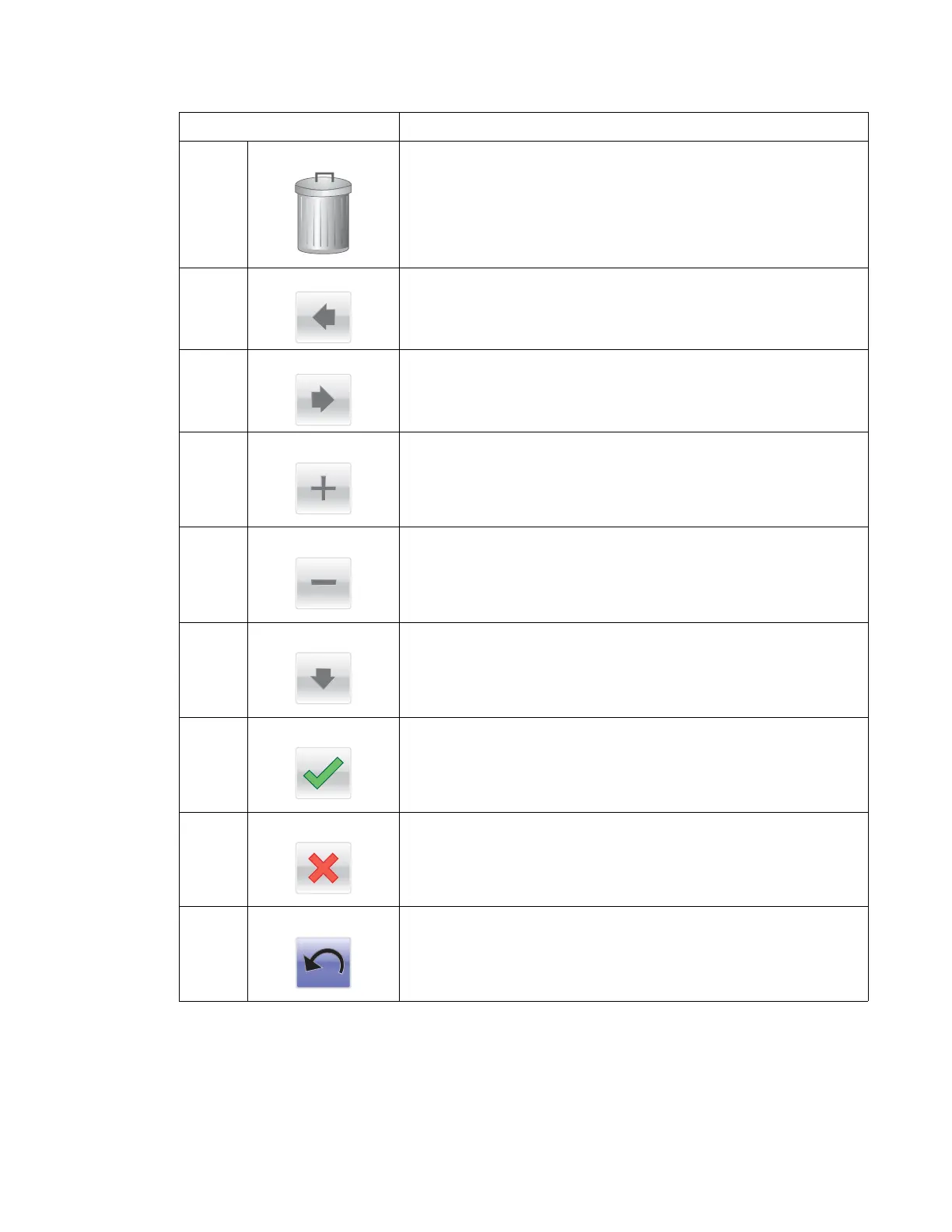
2 Delete folder Deletes a print job
Drag print jobs to the folder to delete them.
3 Left arrow Scrolls left
4 Right arrow Scrolls right
5 Right scroll increase Increases a value
6 Left scroll decrease Decreases a value
7 Down arrow
Scrolls down
8 Accept/Submit Saves a setting
9 Cancel • Cancels an action or selection
• Cancels out of a screen and return the previous screen
10 Back Navigates back to the previous screen
Button Function



 To Next Page