Diagnostic information 2-109
5062
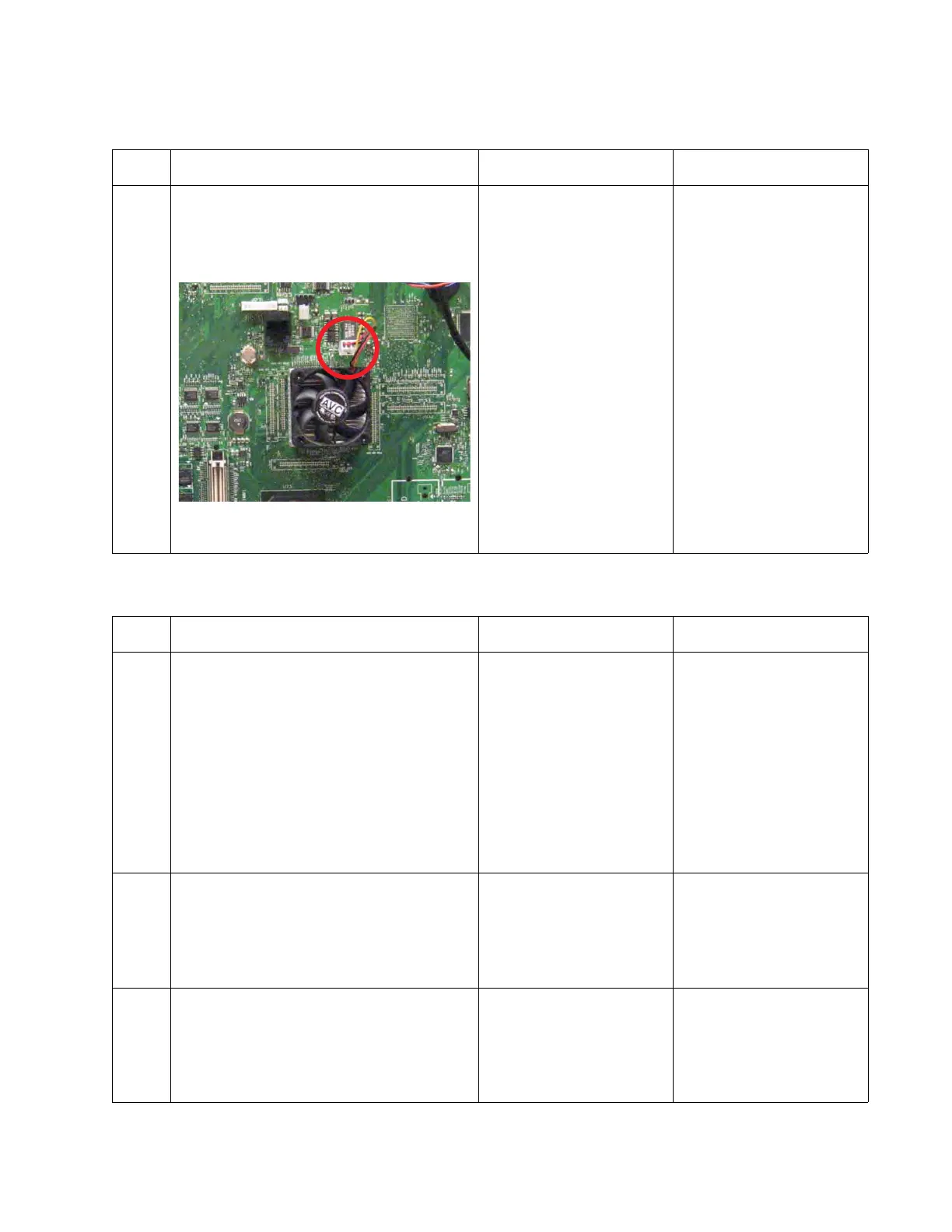
956.xx—System board failure service check
990.01—POST error (2000-sheet input option) service check
Step Questions / actions Yes No
1 Turn the printer off, and open the system
board shield.
Check the cable in connector J3 (system
board fan connector) for proper connection to
the system board.
Is the cable properly connected?
Replace the system board.
See “System board
removal” on page 4-142.
Reseat the cable.
Step Questions / actions Yes No
1 Be sure that the following connectors are
properly connected on the 2000-sheet
controller card and on the other end.
• Elevator home sensor
• Paper level sensor connector
• Jam door clearance sensor connector
• Pass thru sensor connector
• Pick motor connector
• Feed motor connector
• Elevator motor connector
Are all connectors properly connected?
Go to step 2. Properly connect all
connectors.
2
Replace the 2000-sheet high-capacity feeder
elevator home sensor. See “2000-sheet
high-capacity feeder elevator home sensor
removal” on page 4-179.
Does the problem persist?
Go to step 3. Problem solved.
3
Replace the 2000-sheet high-capacity feeder
pass thru sensor. See “2000-sheet high-
capacity feeder pass thru sensor removal”
on page 4-205.
Does the problem persist?
Go to step 4. Problem solved.



 To Next Page