Repair information 4-313
5062
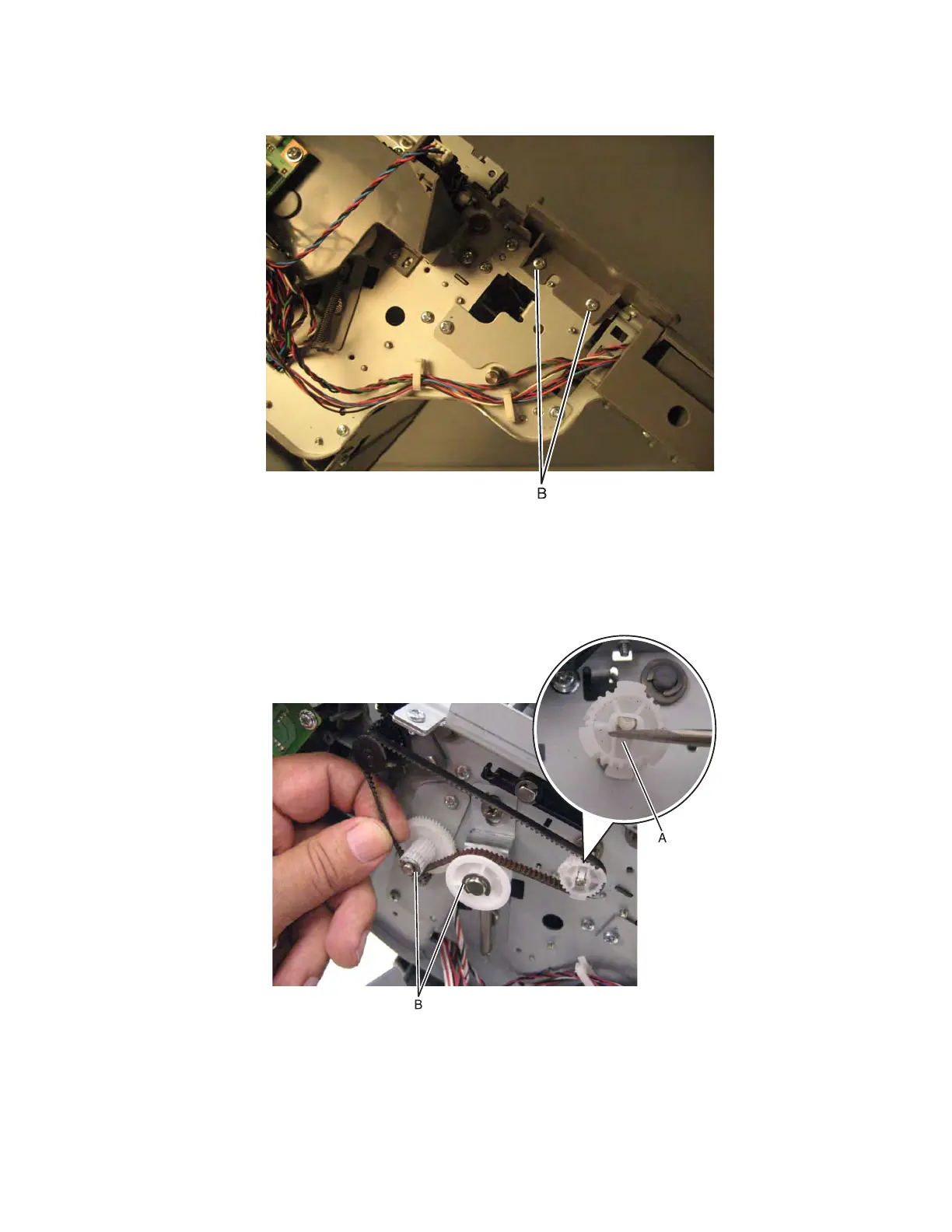
4. Remove two screws (B) from the rear, and then remove the top cover.
HTU transport gear removal
1. Remove the HTU drive belt. See “HTU drive belt removal” on page 4-277.
2. Use a flat screwdriver to remove the gear (A).
3. Remove the E-clips, and then slide the gears off their posts.



 To Next Page