Repair information 4-23
5062
Right cover removal
See “Top, right, and front covers” on page 7-3 for the part number.
1. Remove the standard media tray. See “Standard media tray removal” on page 4-142.
2. Remove the rear cover. See “Rear cover removal” on page 4-18.
3. Remove the top cap cover. See “Top cap cover removal” on page 4-27.
Note: If you have any output options installed, then the top cap cover is already removed. Remove the
output options and HTU redrive unit instead.
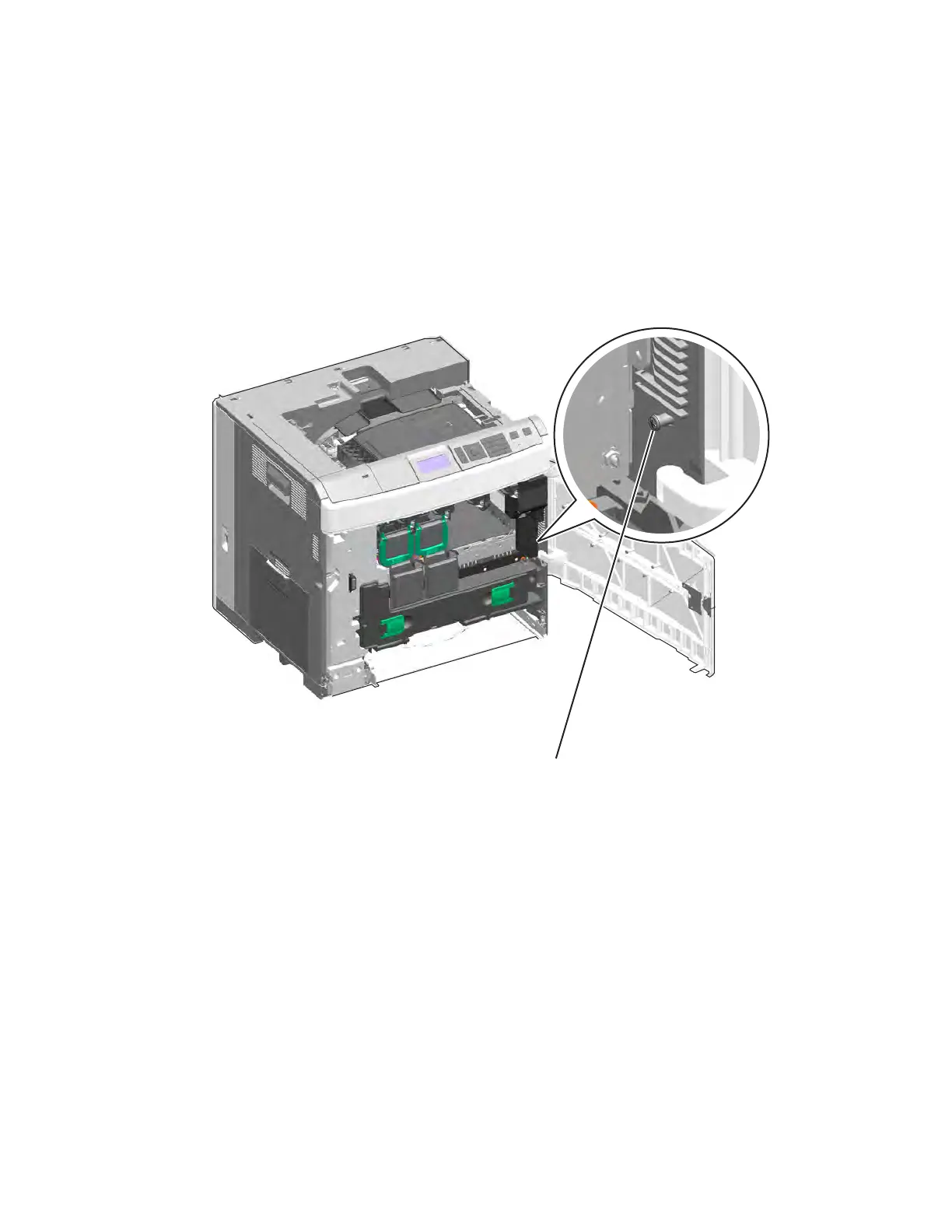
4. Open the front access door, and remove the black and magenta cartridges.
5. Remove the screw (A).



 To Next Page