Repair information 4-275
5062
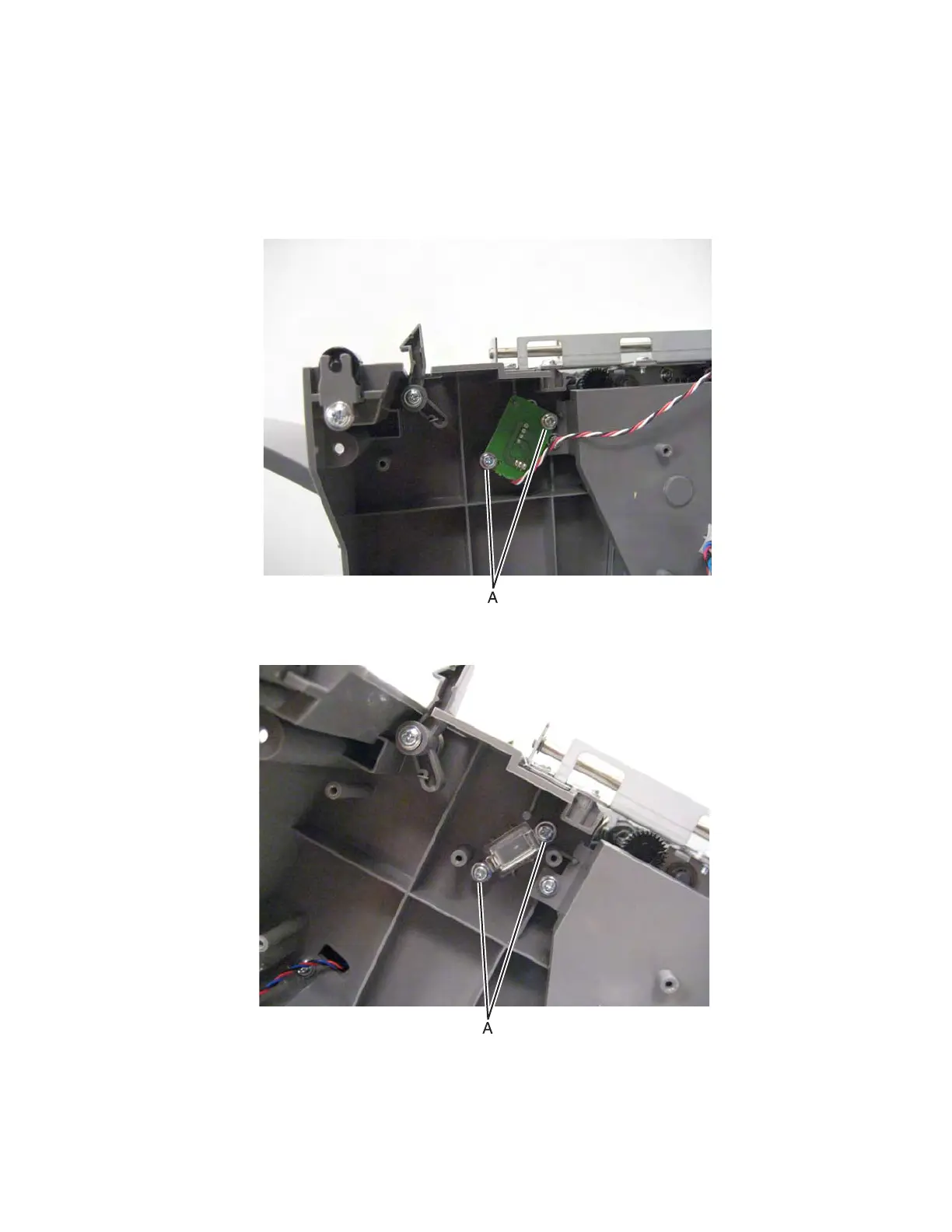
HTU card (bin-full send card and lens) removal
1. Remove all output options from the printer.
2. Remove the HTU controller card. See “HTU controller card removal” on page 4-276.
3. Remove the two screws (A), and then remove the sensor card.
4. Disconnect the cable from the sensor to remove the sensor.
5. If you are replacing the lens, then remove two screws (B) to remove it.



 To Next Page