3-4 Service Manual
5062
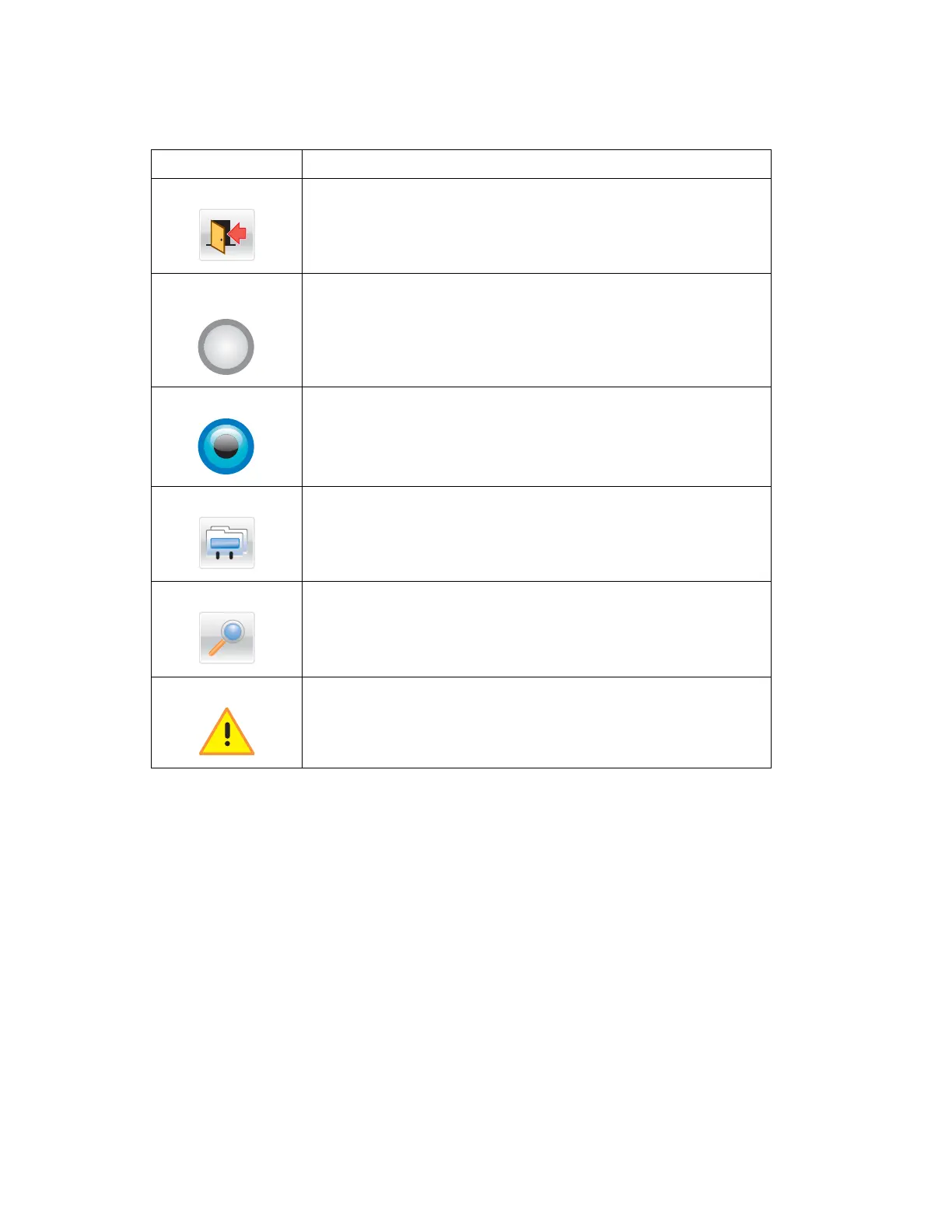
Other touch-screen icons
Icon Function
Exit Exits from the current screen to the home screen
Unselected radio
button
Indicates that an item is not selected
Selected radio button Indicates a selection
Index Displays information about the key functions of the printer, including
instructions on how to operate it
Search Lets you search for files and menus
Warning
Indicates a warning or error condition



 To Next Page