4-270 Service Manual
5062
HTU access door paper jam beacon (with cover and cable) removal
1. Remove all output options from the printer.
2. Remove the HTU access door. See “HTU access door removal” on page 4-269.
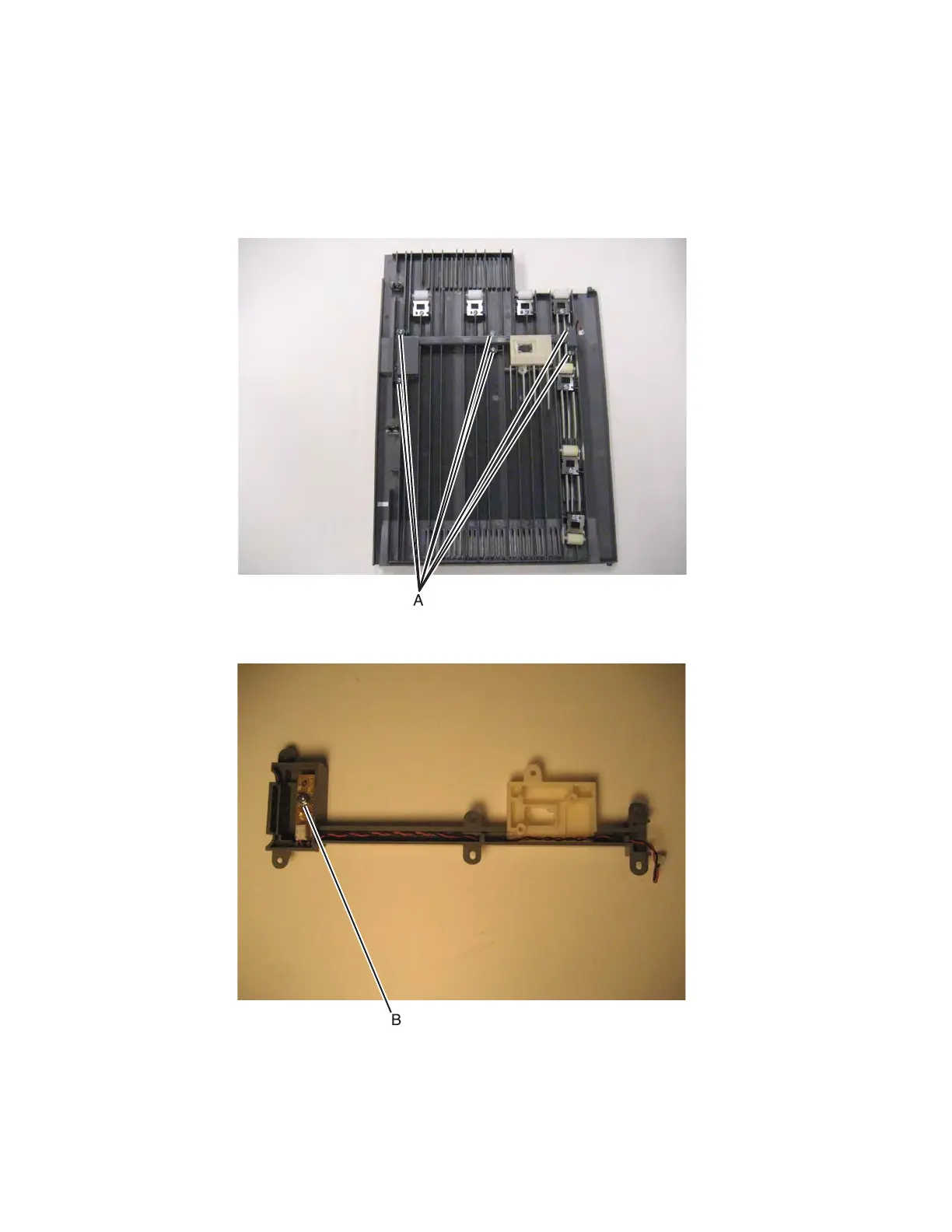
3. Remove six screws (A), and turn over the beacon cover.
4. Remove the screw (B) to remove the beacon card, and disconnect the cable.
Note: Observe the cable routing for installation.



 To Next Page