2-30 Service Manual
5062
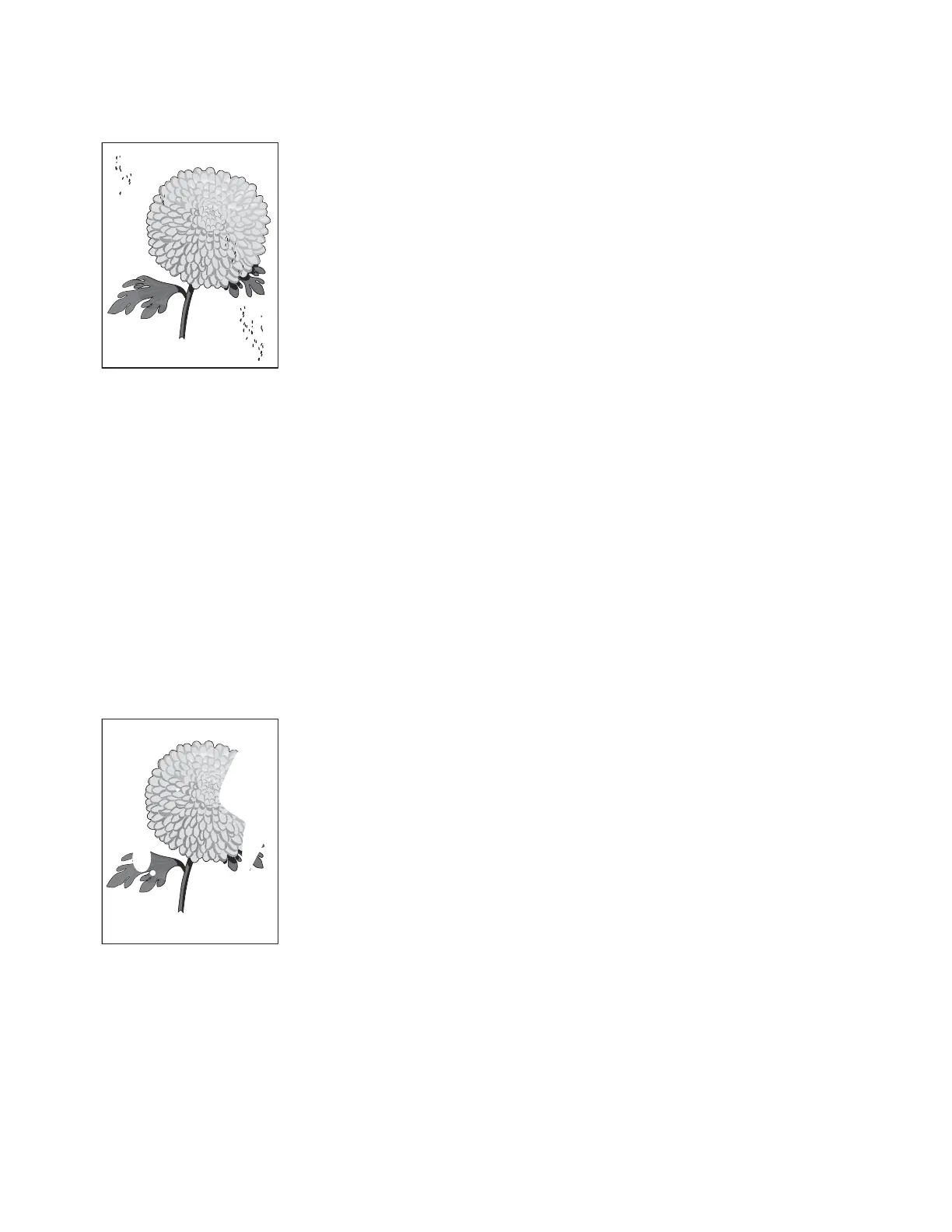
Mottle (2–5mm speckles)
Keep running prints through, and the problem normally clears up. If the problem persists, replace the print
cartridge causing the spots.
Paper curl
• CHECK THE PAPER TYPE AND WEIGHT SETTINGS
Make sure the paper type and weight settings match the paper loaded in the tray:
1. From the printer Paper menu, check the Paper Type and Paper Weight settings.
2. Before sending the job to print, specify the correct type settings from the computer:
• For Windows users, specify the setting from Print Properties.
• For Macintosh users, specify the setting from the Print dialog.
• LOAD PAPER FROM A FRESH PACKAGE
Paper absorbs moisture due to high humidity. Store paper in its original wrapper until you use it.
Print irregularities
Try one or more of the following:
• LOAD PAPER FROM A FRESH PACKAGE
The paper may have absorbed moisture due to high humidity. Store paper in its original wrapper until you
use it.
• CHECK THE PAPER TYPE AND WEIGHT SETTINGS
Leading edge
Trailing edge
Leading edge
Trailing edge



 To Next Page