Repair information 4-247
5062
Finisher or stacker feed roller removal
See “Finisher assembly” on page 7-23 for the part number.
1. Remove the option from the printer.
2. Open the option left access door.
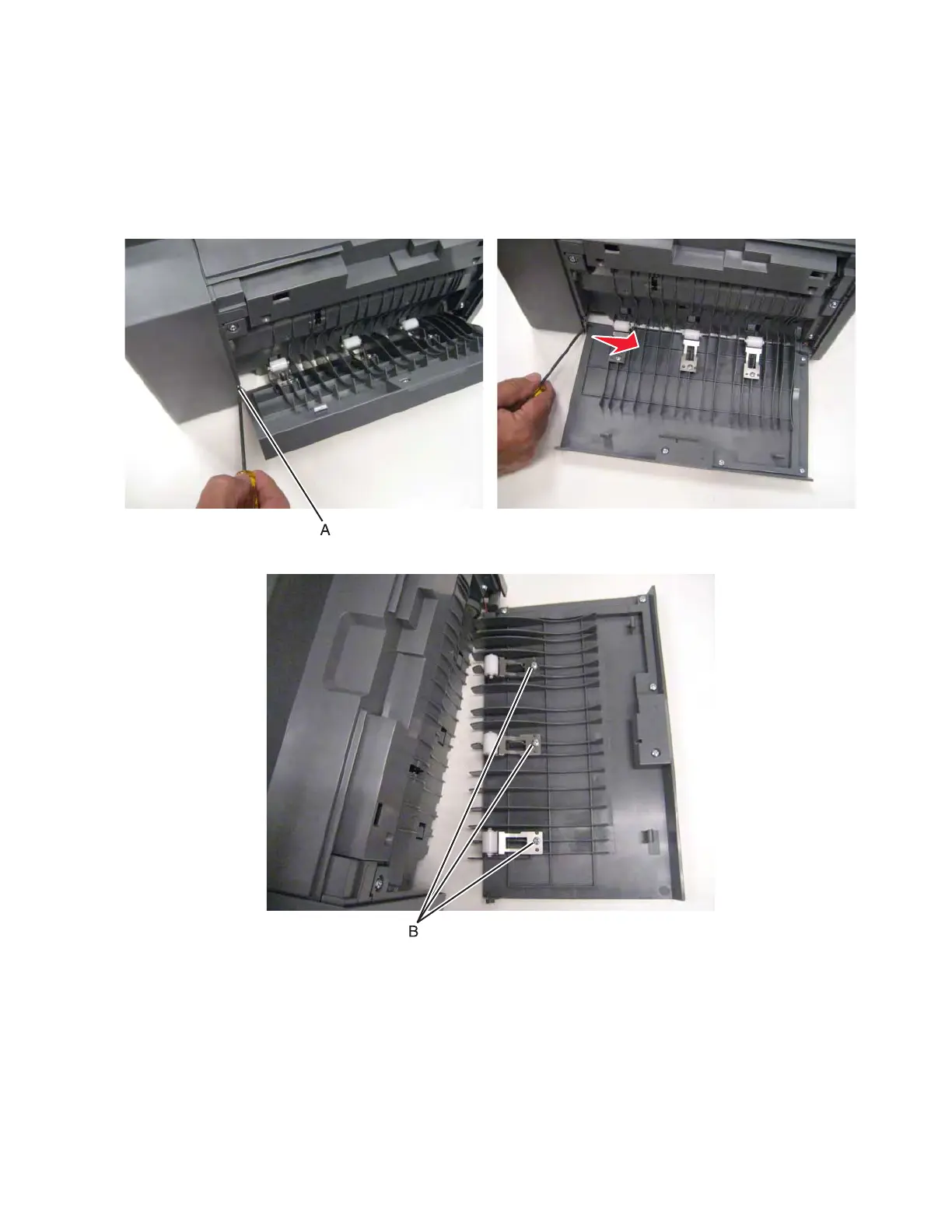
3. Using a screwdriver, force the rear hinge (A) out of the slot by pushing the door to the front.
4. Remove the screw (B) to remove the roller you are replacing.



 To Next Page