4-26 Service Manual
5062
System board shield door removal
To remove the system board shield door, remove the rear upper cover. See “Rear upper cover removal” on
page 4-21.
System board shield removal
See “Left and rear covers” on page 7-5 for the part number.
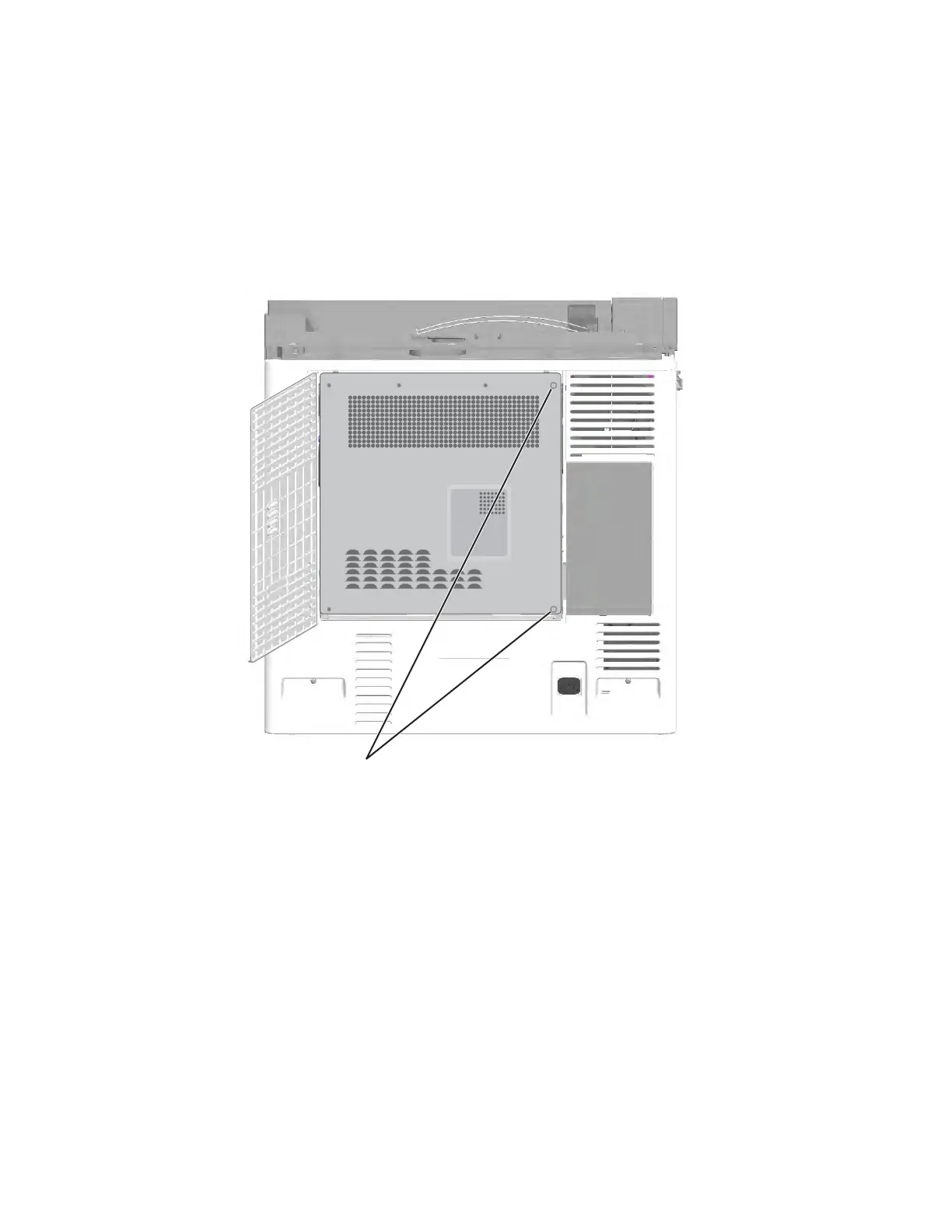
1. Open the system board shield door, and remove the two screws (A) on the system board shield.



 To Next Page