4-150 Service Manual
5062
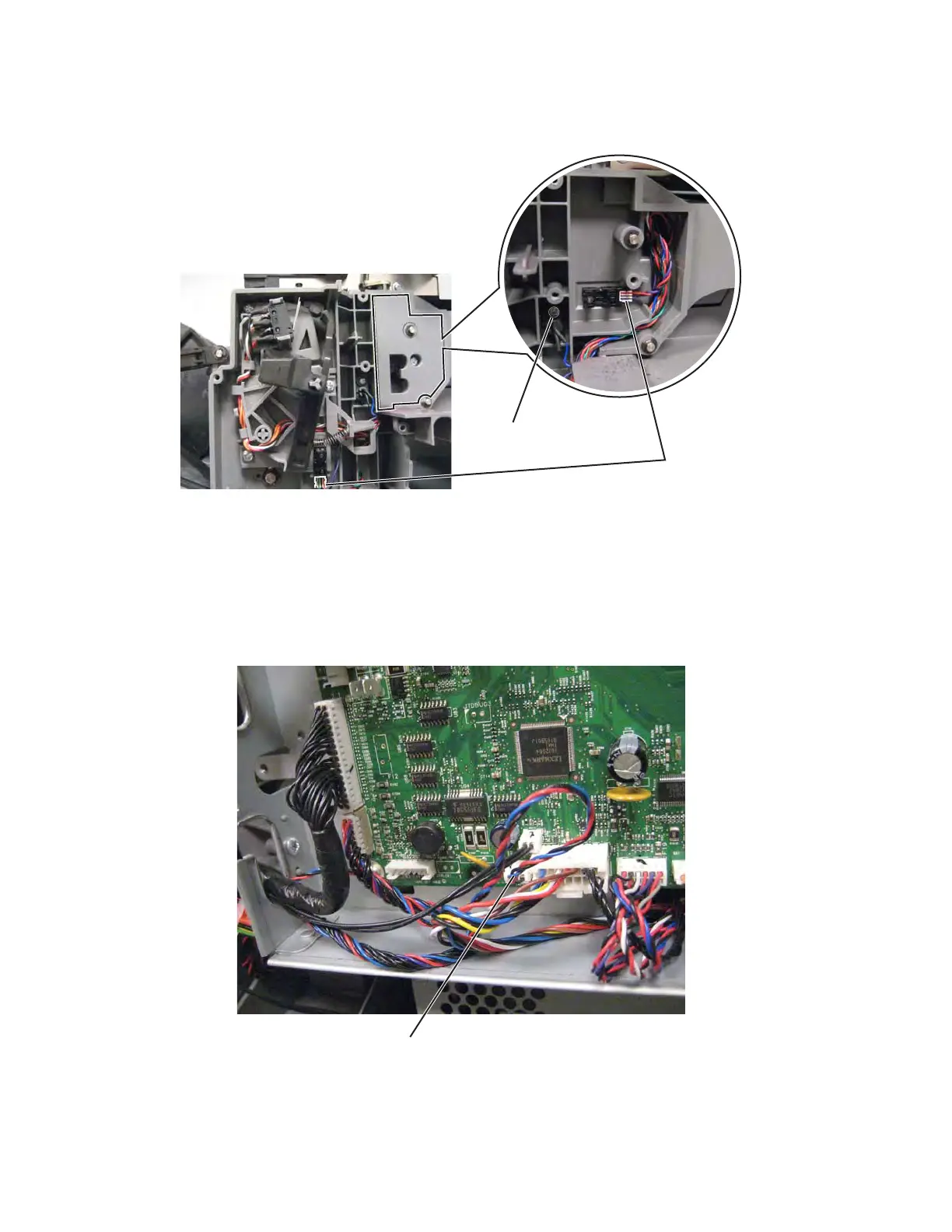
7. Remove the screw (A) to disconnect the cable from the beacon, and then disconnect the cable from the
two sensors (B).
8. Clip any cable ties holding the cable, and then pull the cable through the frame to remove it.
Waste toner full cable removal
See “Waste toner full cable” on page 7-36 for the part number.
1. Remove the ITU block assembly. See “ITU block assembly removal” on page 4-76.
2. Remove the HVPS. See “High-voltage power supply (HVPS) board removal” on page 4-67.
3. Disconnect the cable from the system board at JWTBF1 (A).



 To Next Page