4-228 Service Manual
5062
5-bin mailbox backup roll plate assembly removal
1. Remove the mailbox from the printer.
2. Remove the mailbox rear cover. See “5-bin mailbox rear cover removal” on page 4-239.
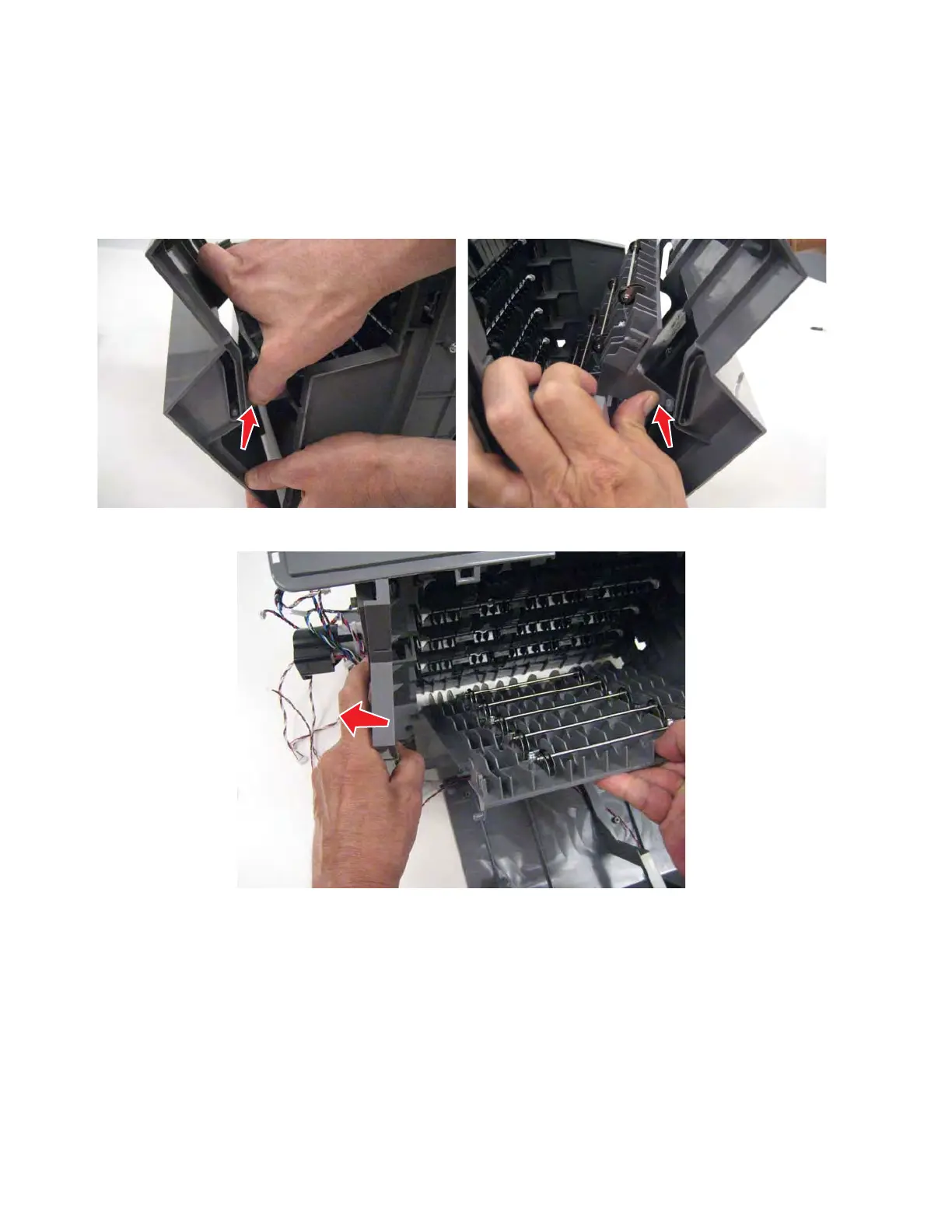
3. Open the left access door, and press in to release the support pins from each side of the door.
Flex the sides to remove the roller frame.



 To Next Page