Repair information 4-119
5062
Printhead removal, installation, and alignment
See “Top, right, and front covers” on page 7-3 for the part number.
1. Remove the printhead access cover. See “Printhead access cover removal” on page 4-17.
2. Remove the system board shield. See “System board shield removal” on page 4-26.
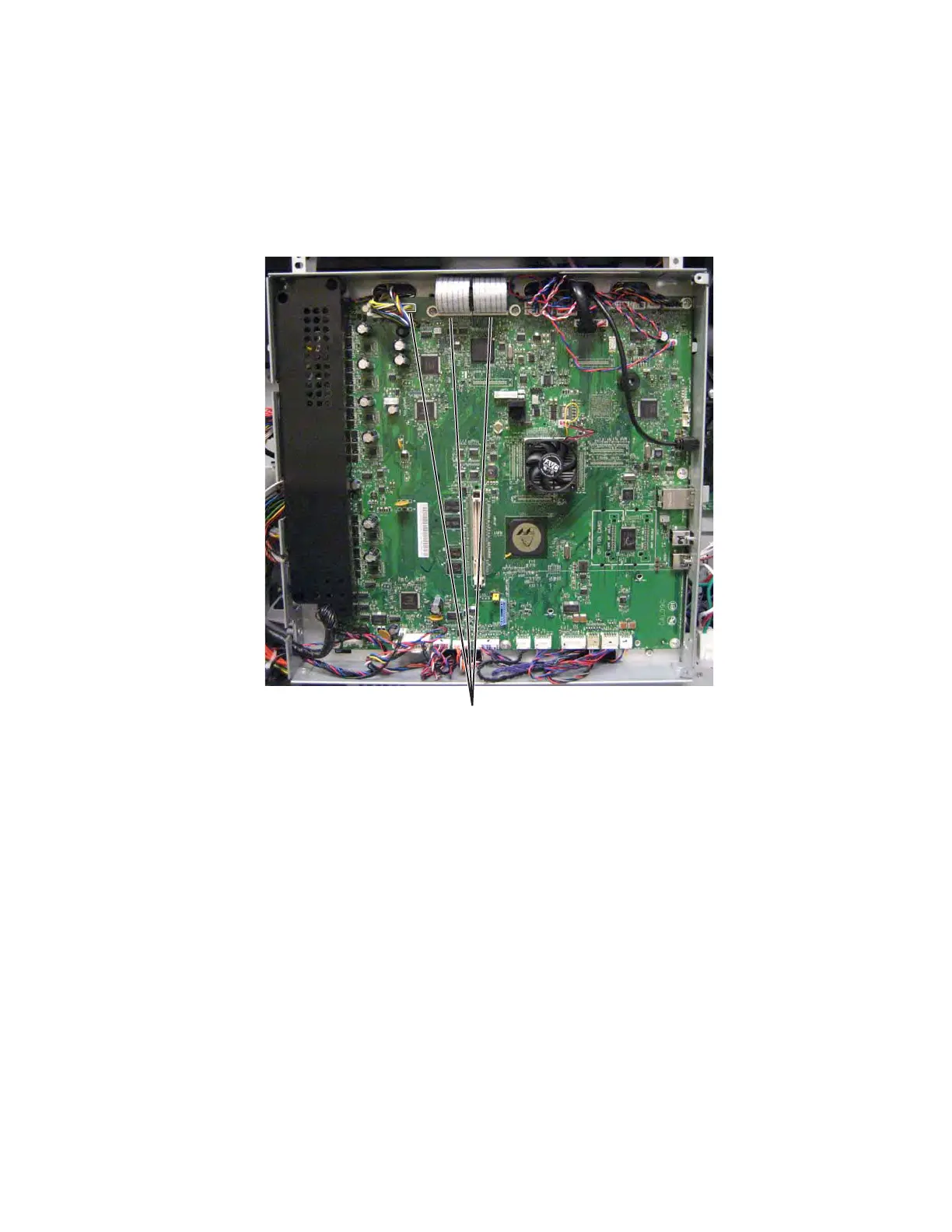
3. Disconnect the three printhead cables (A) from the system board, and feed the cables through the slot in
the system board shield.



 To Next Page