4-112 Service Manual
5062
Pad removal
See “Left and rear covers” on page 7-5 for the part number.
1. Remove the standard media tray. See “Standard media tray removal” on page 4-142.
2. Remove the waste toner container. See “Waste toner container removal” on page 4-147.
3. Remove the print cartridges.
4. Shut the front access door.
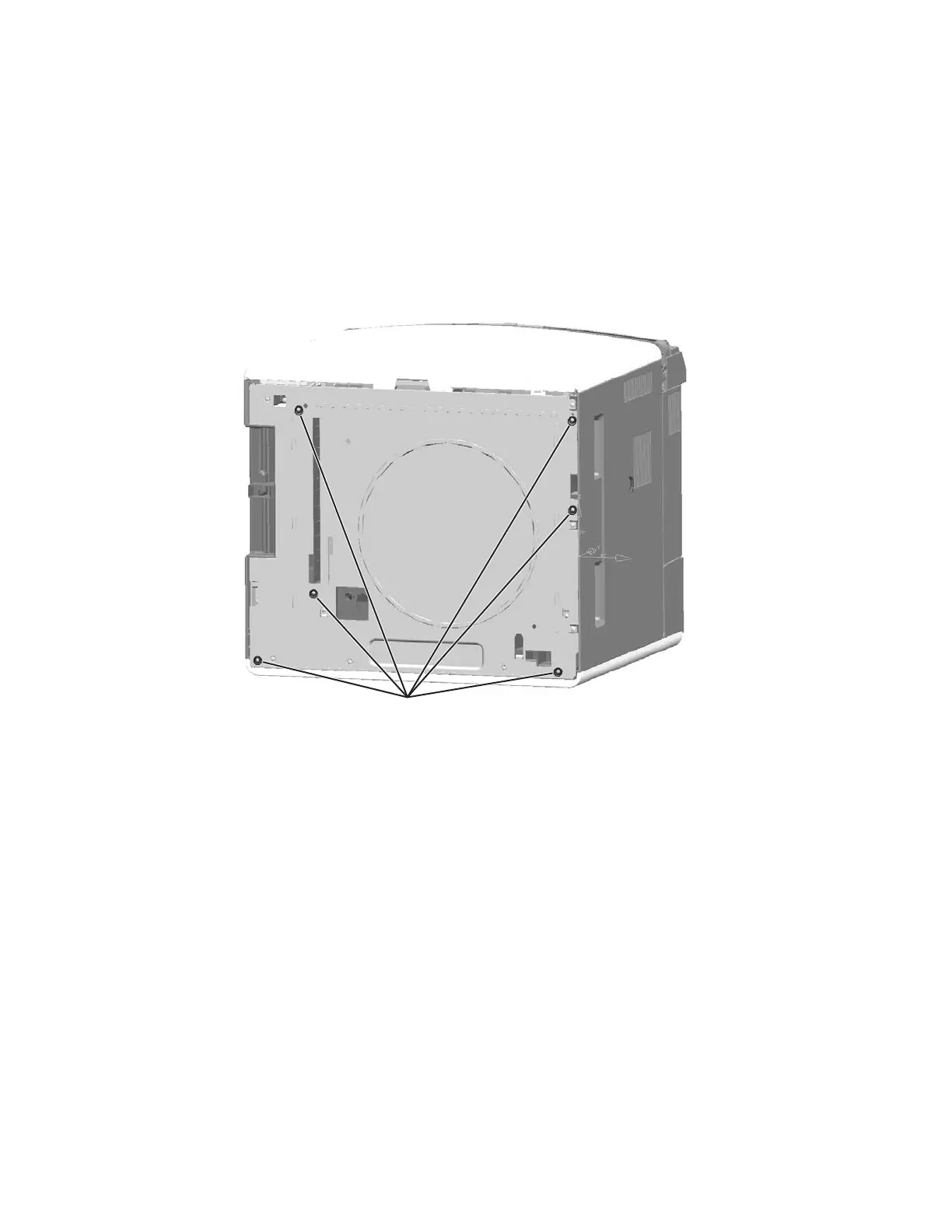
5. Gently lay the printer on its back.
6. Remove the screw (A) from the pad you want to remove.



 To Next Page