4-148 Service Manual
5062
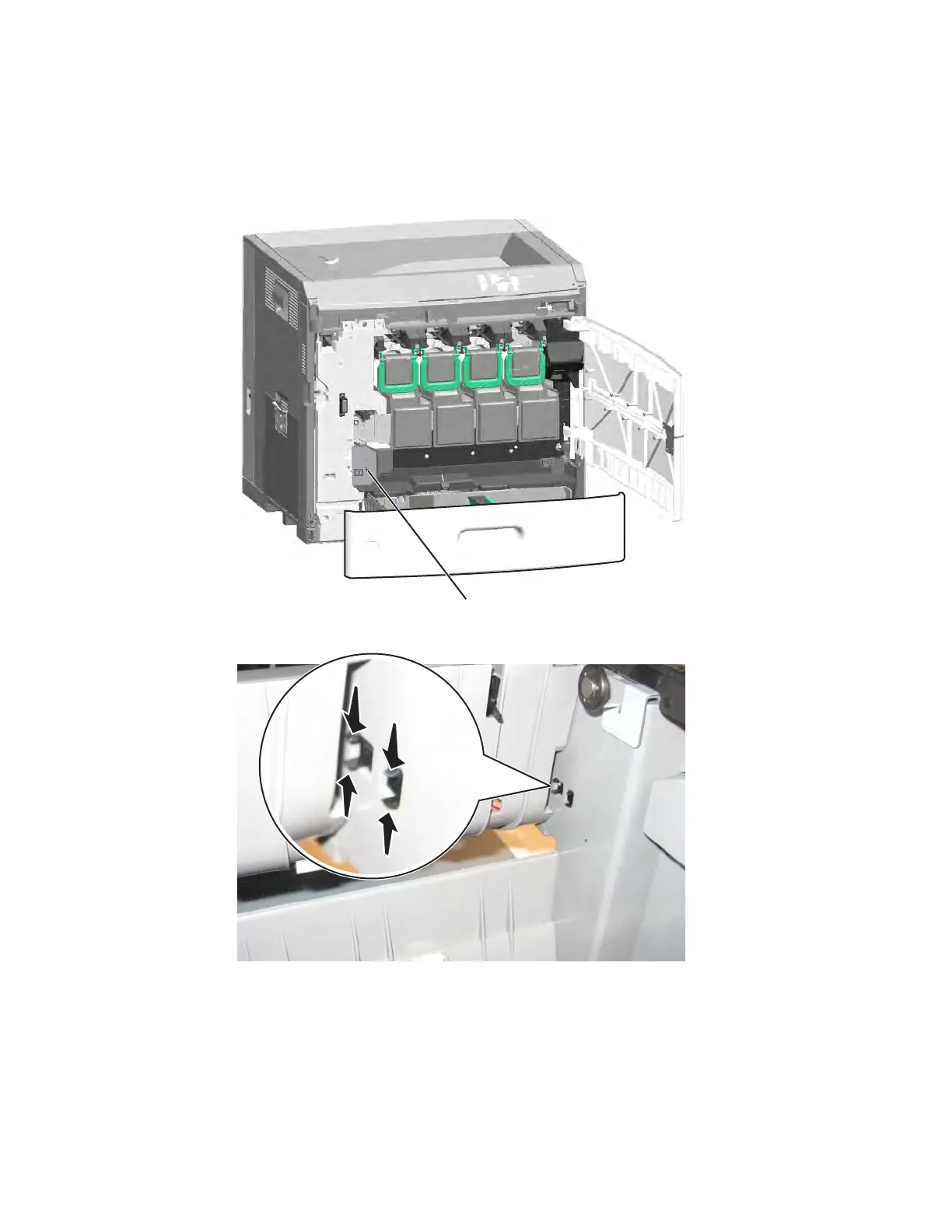
Waste toner sensor removal
See “Front” on page 7-7 for the part number.
1. Remove the waste toner container. See “Waste toner container removal” on page 4-147.
2. Remove the screw (A), and remove the waste toner sensor cover.
3. From the left side of the printer, push in the clips, and then pull the sensor out from the front.
4. Disconnect the cable to remove the sensor.



 To Next Page