4-94 Service Manual
5062
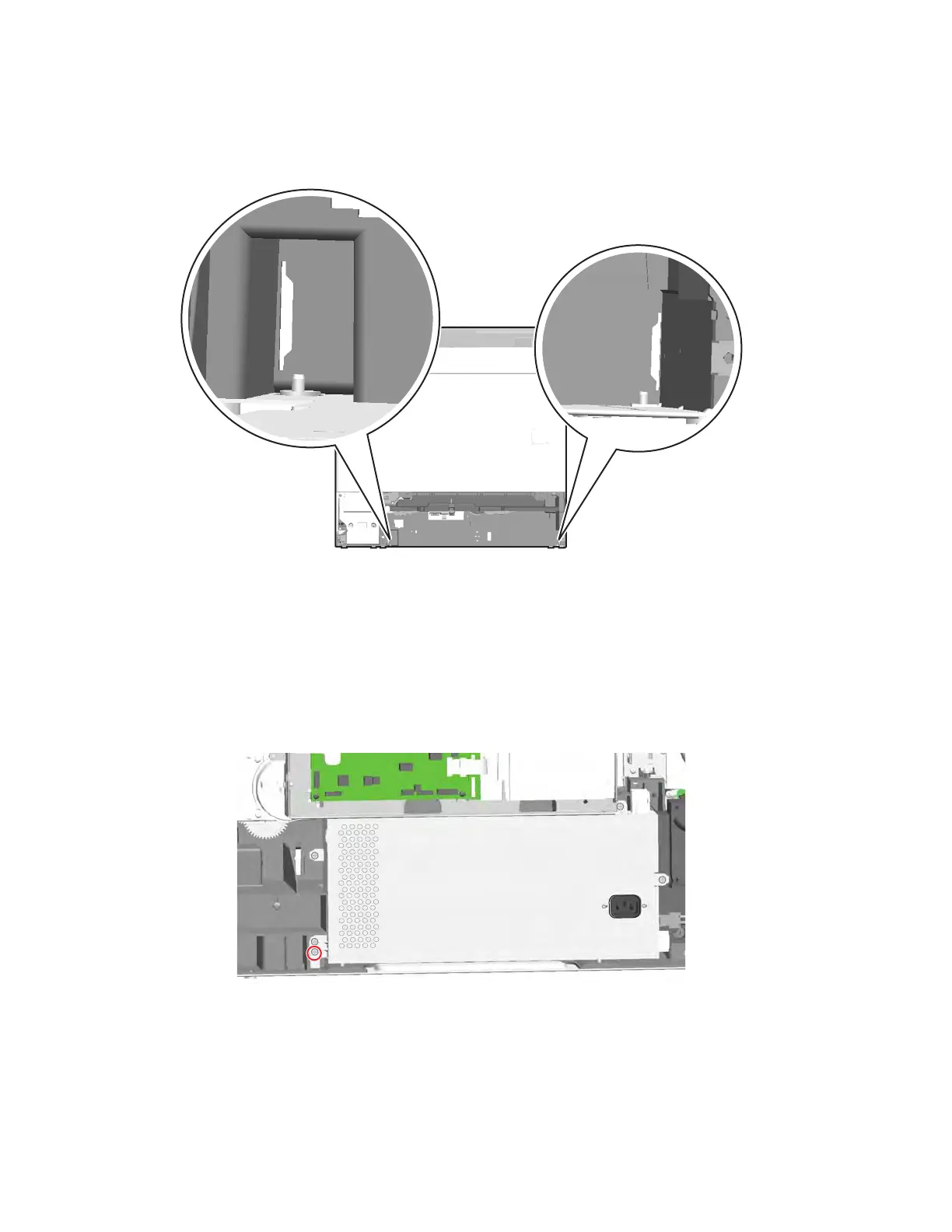
Installation note: Be sure to align the rails with the slots in the back of the printer to slide them into place, and
then fit them over the pins on the front of the printer.
MPF breakaway assemblies removal
See “Left” on page 7-11 for the part numbers.
1. Remove the rear cover. See “Rear cover removal” on page 4-18.
2. Remove the standard media tray. See “Standard media tray removal” on page 4-142.
3. Gently lay the printer on its back.
4. Remove the screw (88A0212) from the LVPS.



 To Next Page