2-32 Service Manual
5062
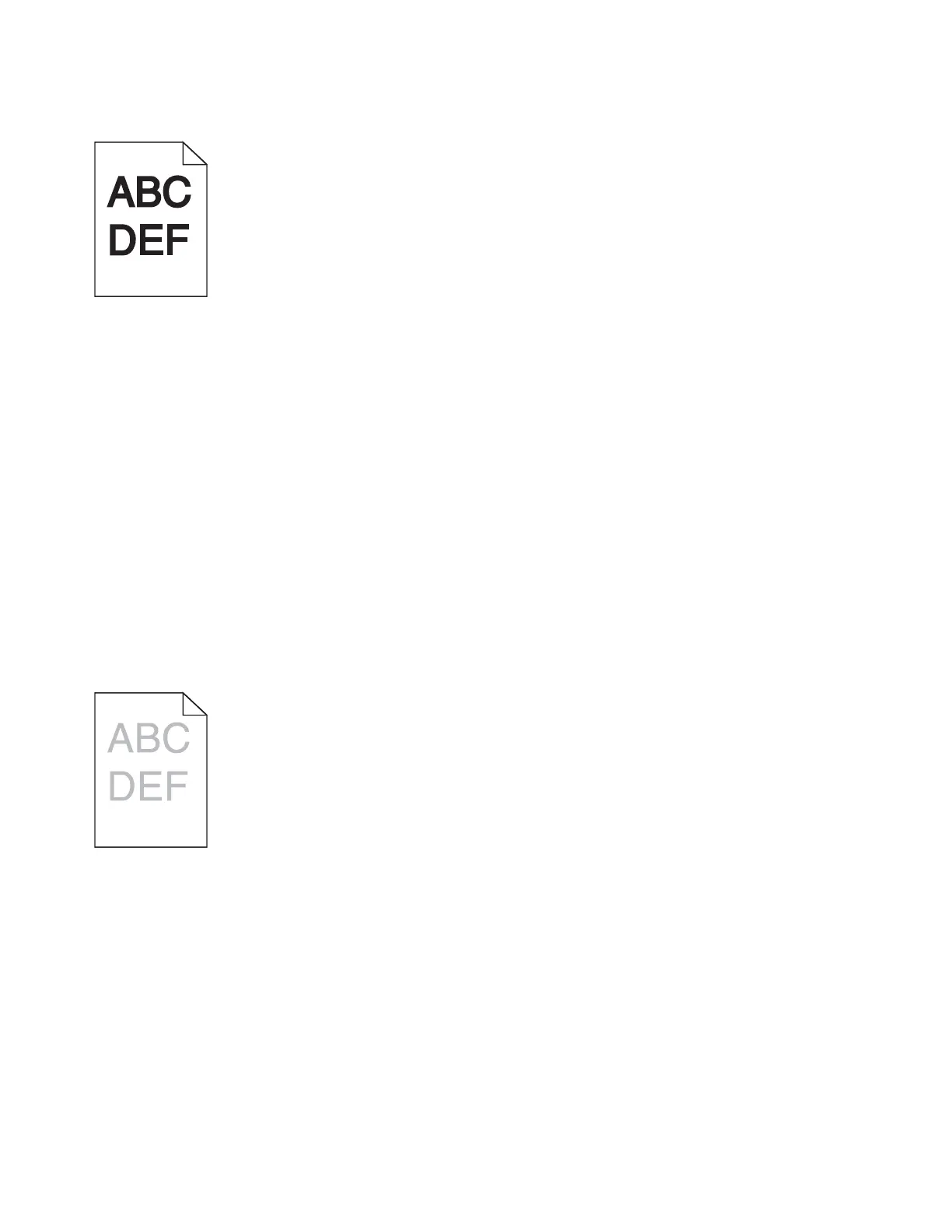
Print is too dark
Try one or more of the following:
• LOAD PAPER FROM A FRESH PACKAGE
The paper may have absorbed moisture due to high humidity. Store paper in its original wrapper until you
use it.
• AVOID TEXTURED PAPER WITH ROUGH FINISHES
• CHECK THE PAPER TYPE SETTING
Make sure the paper type setting matches the paper loaded in the tray:
1. From the operator panel Paper menu, check the Paper Type setting.
2. Before sending the job to print, specify the correct type setting from the computer:
• For Windows users, specify the type from Print Properties.
• For Macintosh users, specify the type from the Print dialog.
• MAKE SURE THERE IS NO DEFECTIVE PRINT CARTRIDGE
Replace the defective print cartridge.
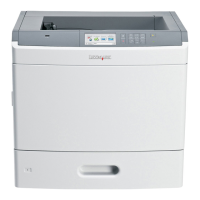
Print is too light
Try one or more of the following:
• LOAD PAPER FROM A FRESH PACKAGE
The paper may have absorbed moisture due to high humidity. Store paper in its original wrapper until you
use it.
• AVOID TEXTURED PAPER WITH ROUGH FINISHES
• CHECK THE PAPER TYPE SETTING
Make sure the paper type setting matches the paper loaded in the tray:
1. From the operator panel Paper menu, check the Paper Type setting.
2. Before sending the job to print, specify the correct type setting from the computer:
• For Windows users, specify the type from Print Properties.
• For Macintosh users, specify the type from the Print dialog.


 To Next Page