Diagnostic information 2-39
5062
Transparency print quality is poor
Try one or more of the following:
• CHECK THE TRANSPARENCIES
Use only transparencies that meet the printer specifications.
• CHECK THE PAPER TYPE SETTINGS
Make sure the paper type settings match the paper loaded in the tray or feeder:
1. From the operator panel Paper menu, check the Paper Type setting.
2. Before sending the print job, specify the correct paper type setting:
• For Windows users, specify the paper type from Print Properties.
• For Macintosh users, specify the paper type from the Print dialog.
Uneven print density
MAKE SURE THERE IS NO DEFECTIVE OR WORN PRINT CARTRIDGE
Replace the print cartridge.
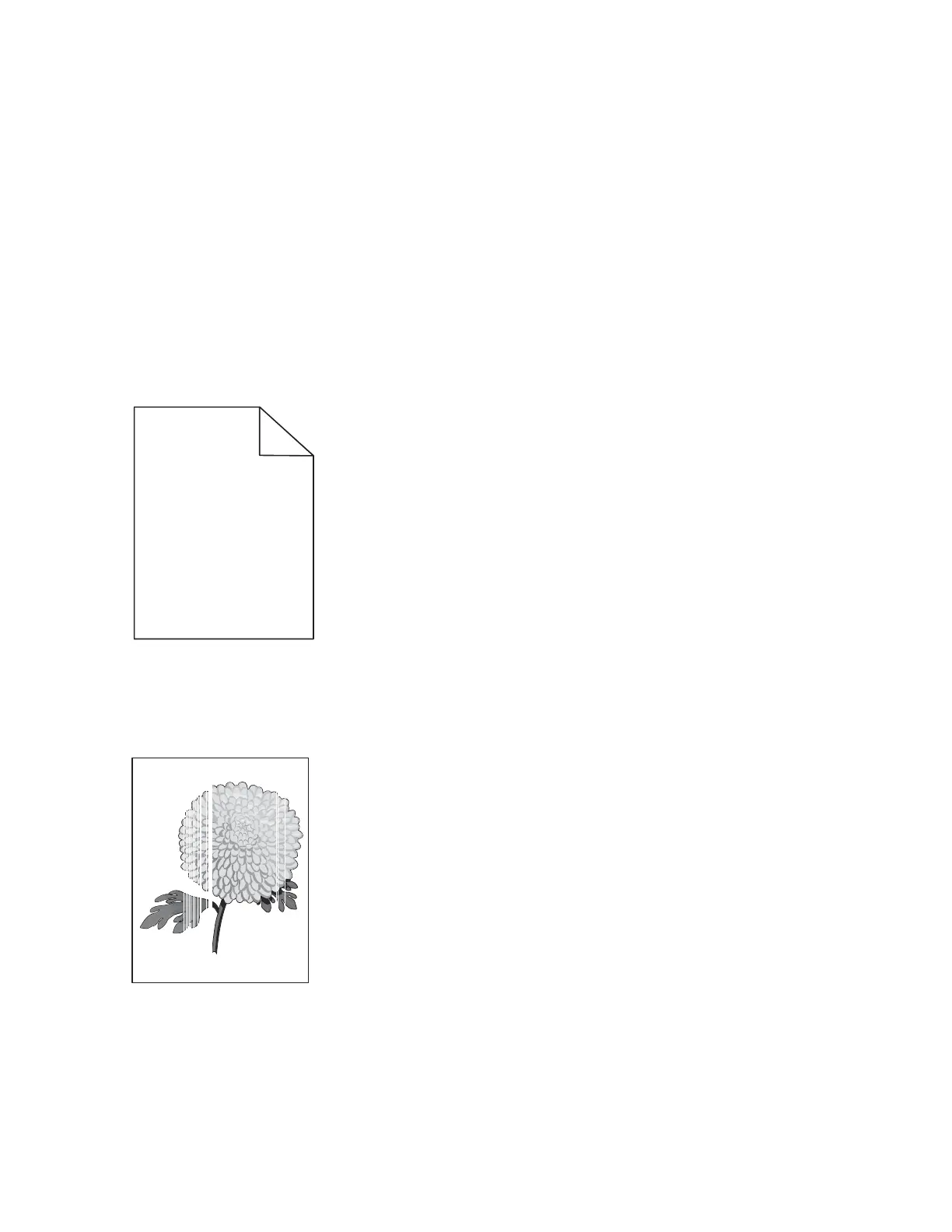
Vertical banding
Replace the print cartridge.
Leading edge
Trailing edge



 To Next Page