4-28 Service Manual
5062
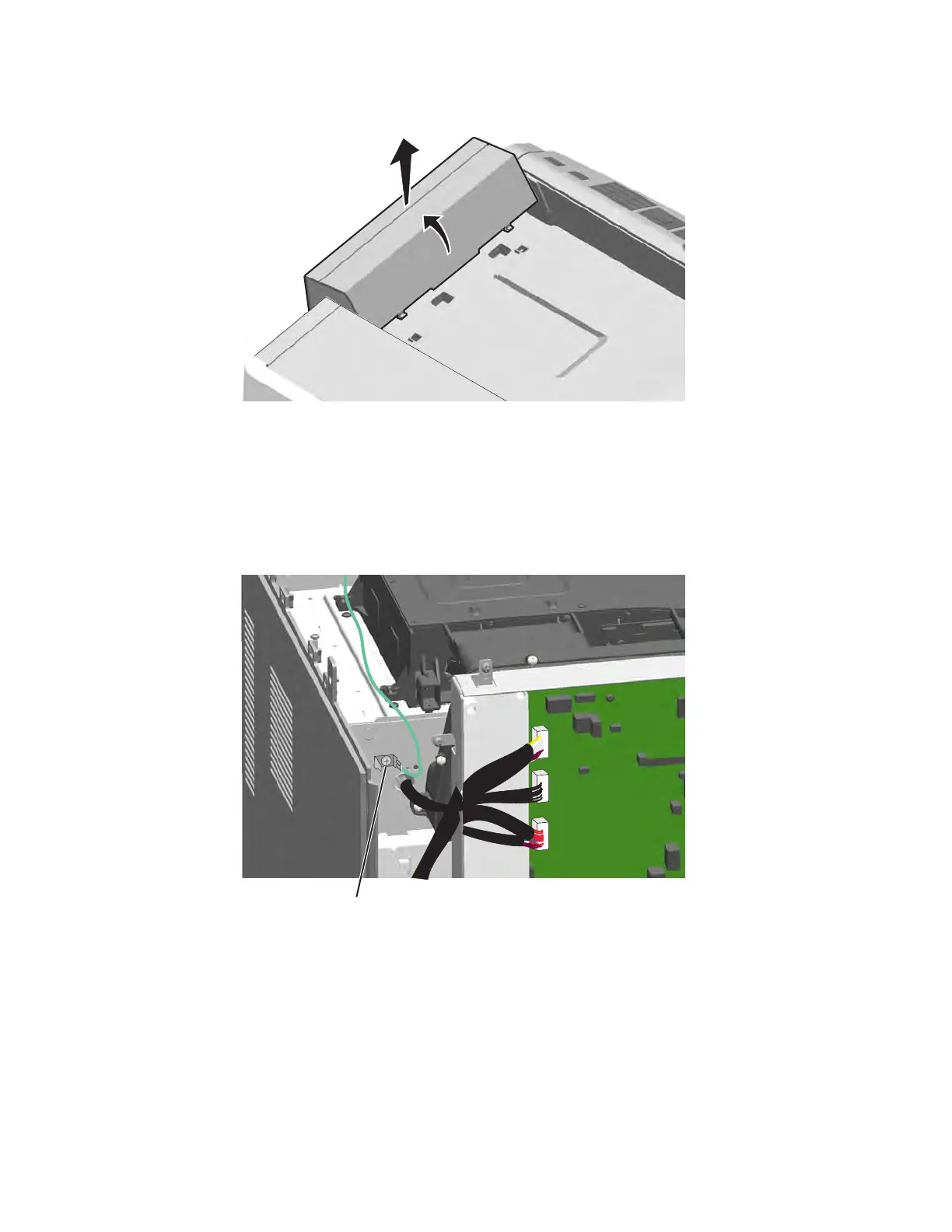
2. With the cover tilted back, and pull up to remove it.
Top cover removal
See “Top, right, and front covers” on page 7-3 for the part number.
1. Remove the printhead access cover. See “Printhead access cover removal” on page 4-17.
2. Remove the rear cover. See “Rear cover removal” on page 4-18.
3. Remove the screw (A) to disconnect the ground cable.
4. Remove the front access door. See “Front access door assembly removal” on page 4-2.



 To Next Page