4-300 Service Manual
5062
HTU right inner cover removal
1. Remove all output option from the printer.
2. Remove the output bin. See “HTU output bin removal” on page 4-289.
3. Remove the front standard bin cover. See “HTU front standard bin cover removal” on page 4-280.
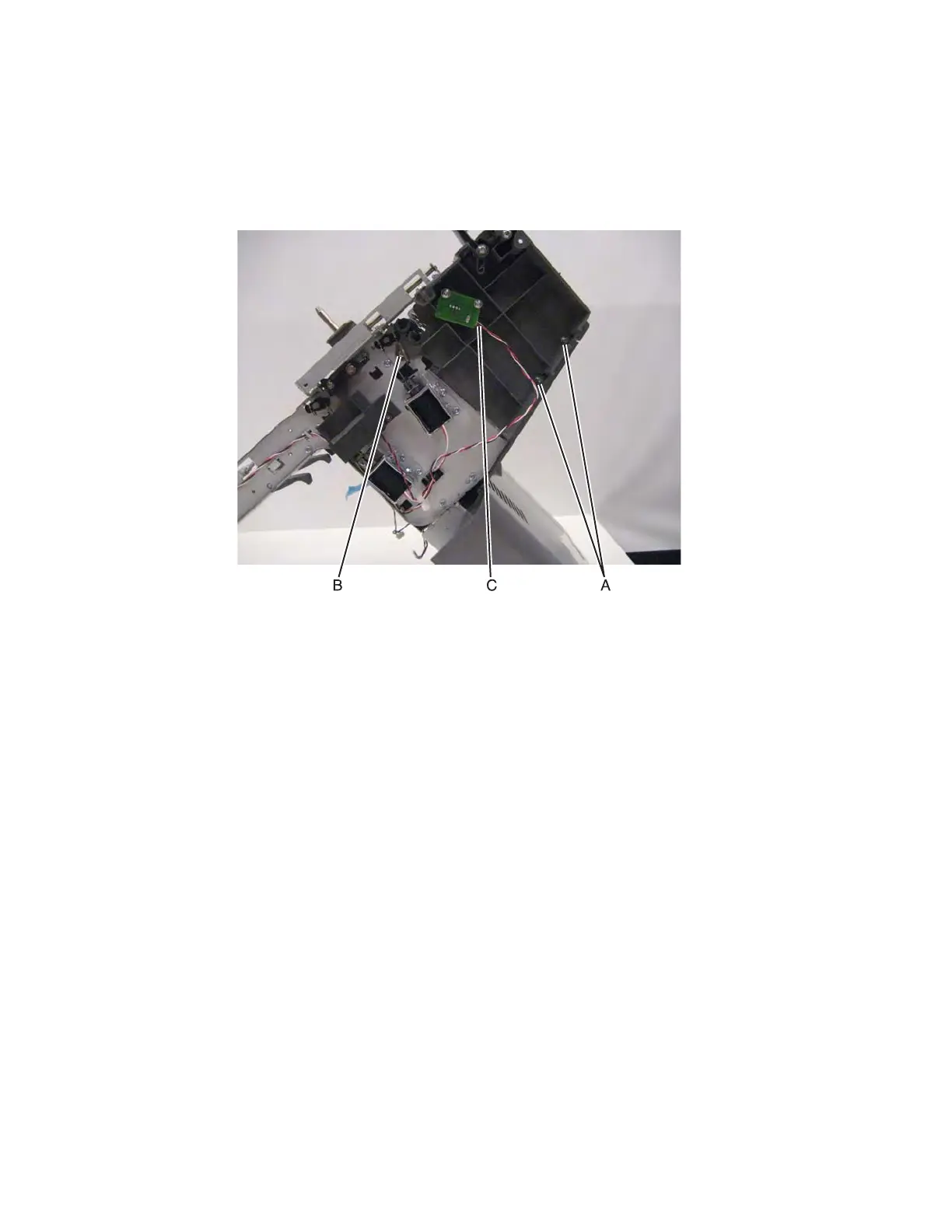
4. Remove the two screws (A), one screw (B) and disconnect the cable (C).
5. Remove the HTU drive belt. See “HTU drive belt removal” on page 4-277.



 To Next Page