4-140 Service Manual
5062
Installation notes:
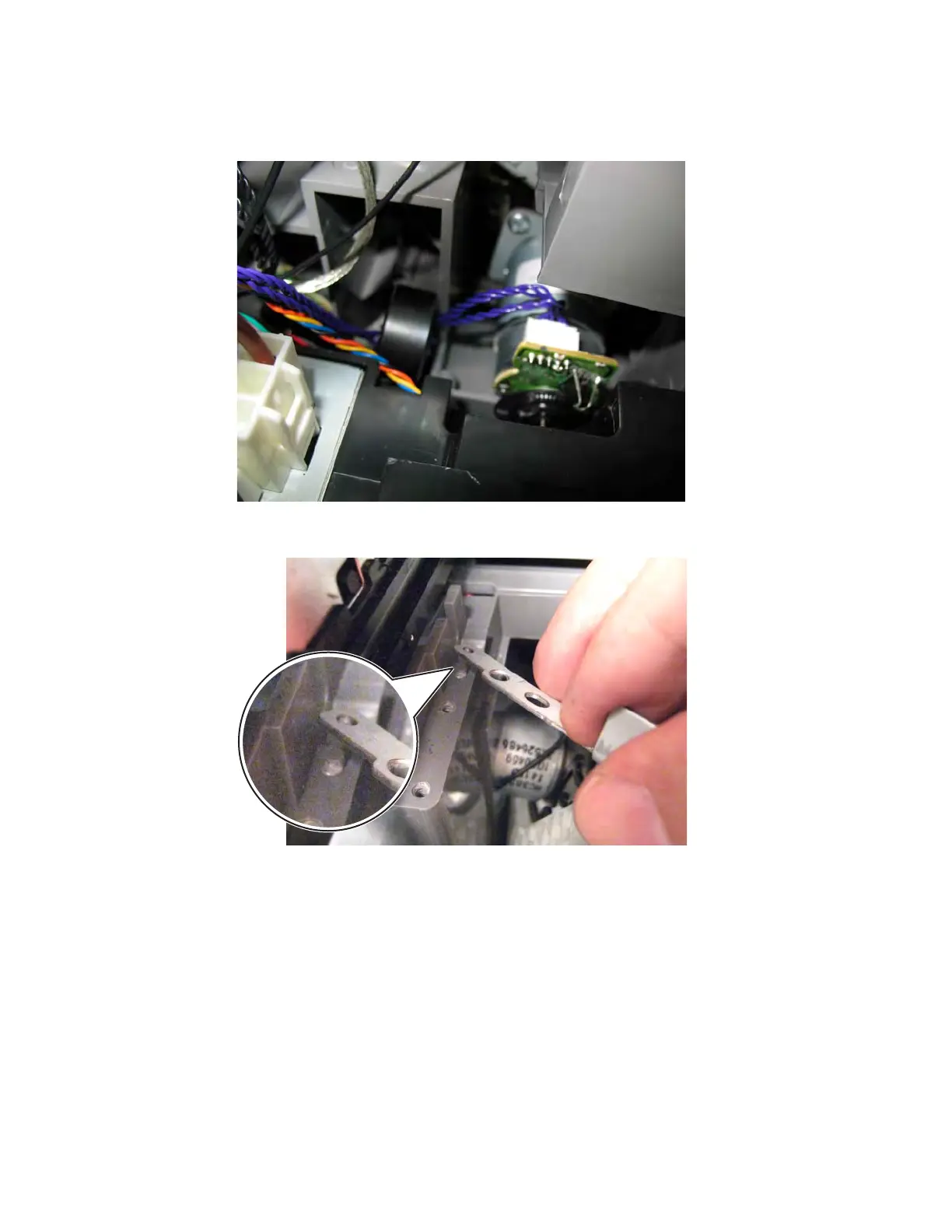
• Be sure the duplex motor cable is not pinched or bound by the reference edge assembly.
• Place the slot in the ITU DS roller plate over the ridge on the frame, and then swing the plate into place to
reattach the two screws.
• Check the alignment of the reference edge. See “Aligning the staging paper path reference edge” on
page 4-140.
Aligning the staging paper path reference edge
1.
Enter Diagnostics mode: press and hold 3 and 6, turn on the printer, and release the buttons when the
splash screen appears.
2. From the Diagnostics menu, navigate to:
REGISTRATION > Quick Test



 To Next Page