4-240 Service Manual
5062
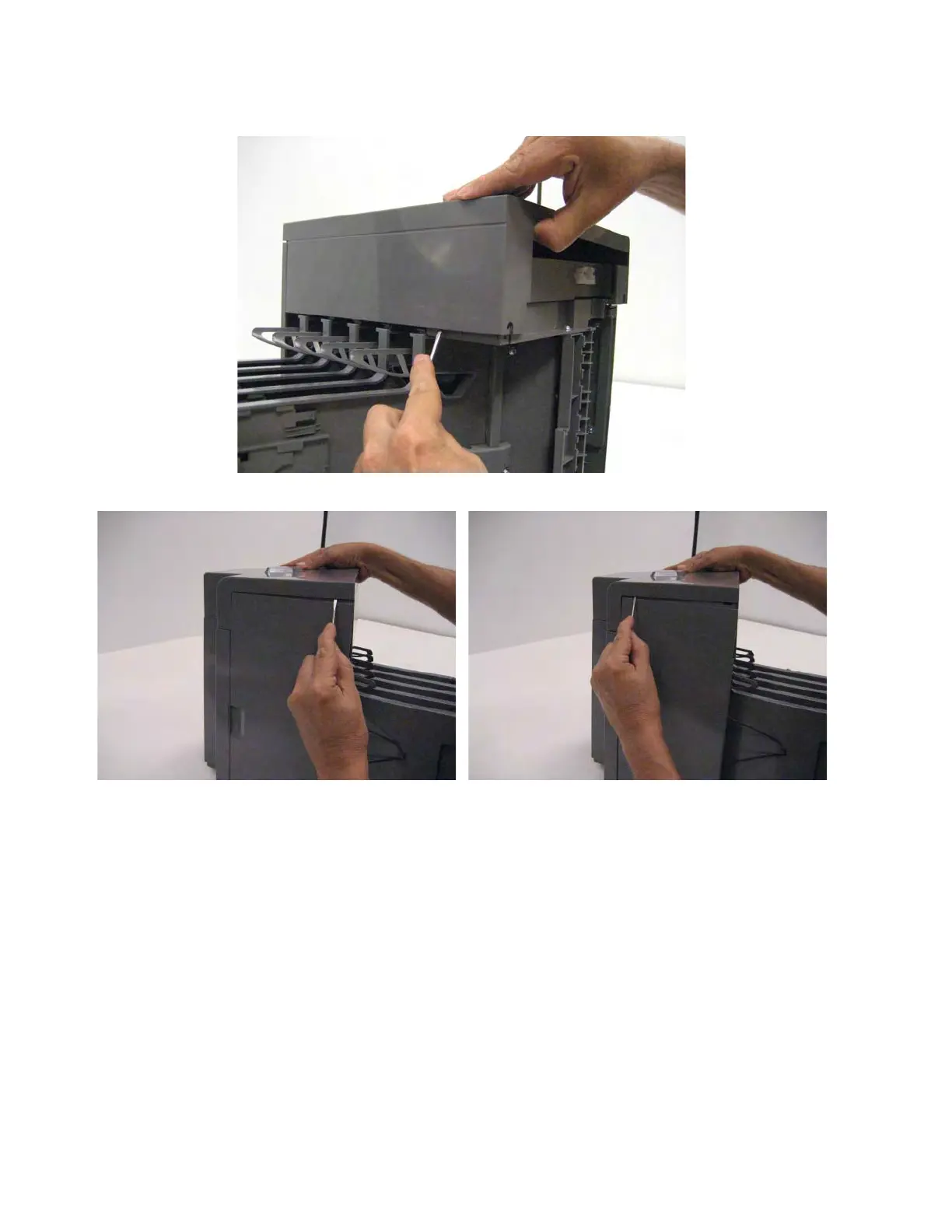
3. Use a flat-blade screwdriver to pry out the right side to disengage the latches.
4. Use the screwdriver to disengage the two latches on the left side, and then remove the cover.
5-bin mailbox top cover removal
1. Remove the mailbox from the printer.
2. Remove the front cover. See “5-bin mailbox front cover removal” on page 4-233.



 To Next Page