4-74 Service Manual
5062
ITU autoconnect removal
See “Left” on page 7-11 for the part number.
1. Remove the rear cover. See “Rear cover removal” on page 4-18.
2. Remove the right cover. See “Right cover removal” on page 4-23.
3. Remove the ITU assembly. See “ITU assembly removal” on page 4-72.
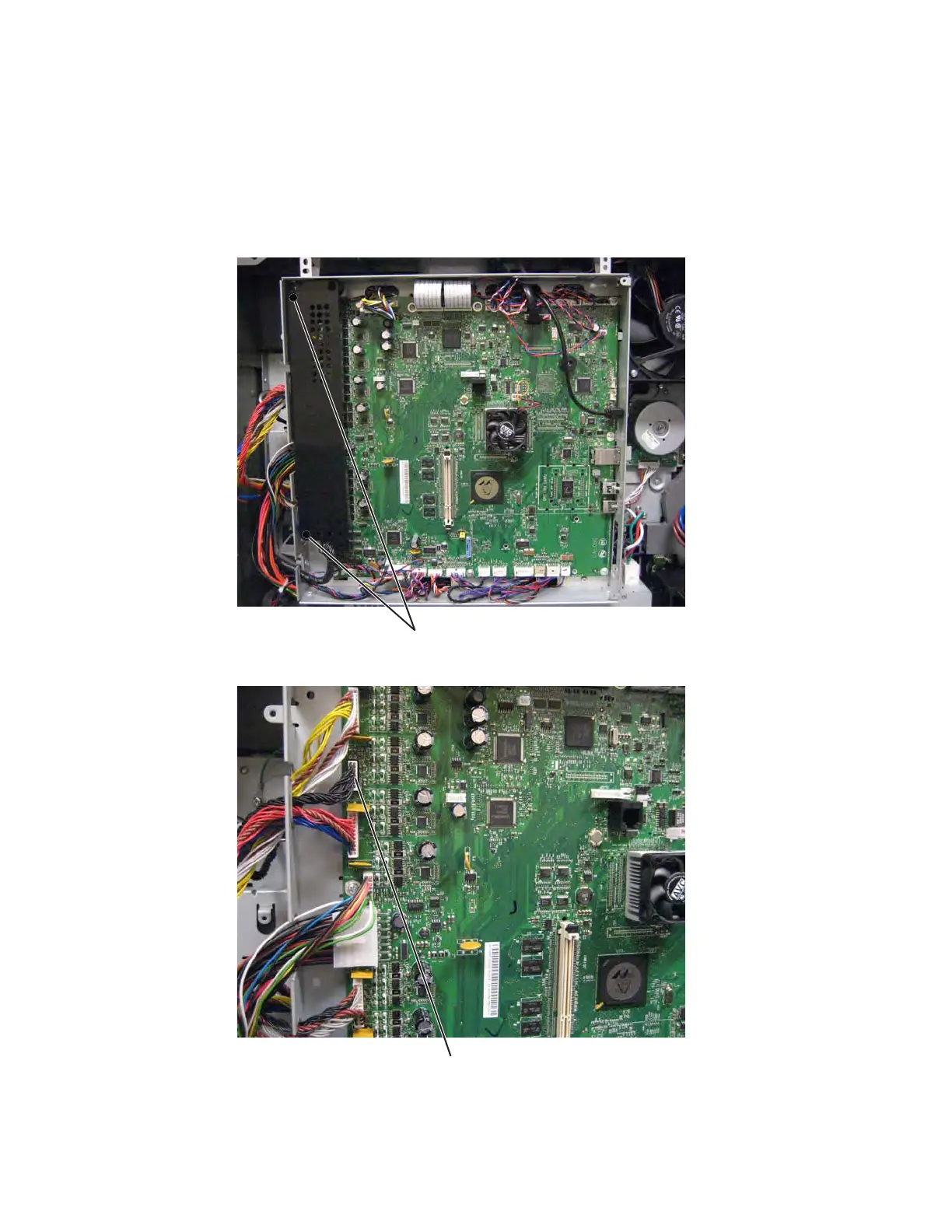
4. Remove two screws (A) to remove the connector shield from the system board.
5. Disconnect the cable (B) from connector JITM1.



 To Next Page