4-104 Service Manual
5062
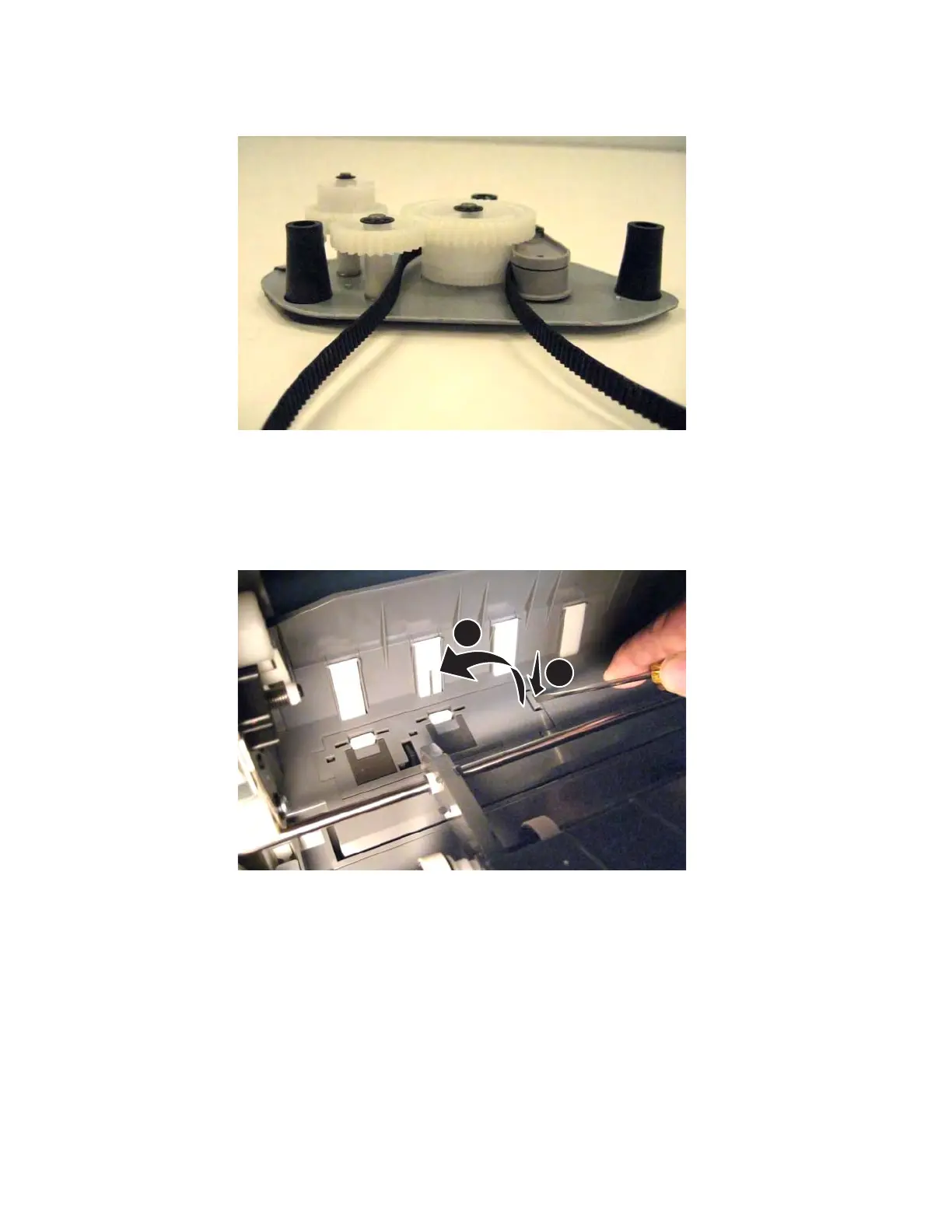
Installation note: When reinstalling the belt, be sure the belt sits on the teeth at the base of the gear.
MPF sensor plate assembly removal
See “Left and rear covers” on page 7-5 for the part number.
1. Open the left access door assembly.
2. Use a flat-blade screwdriver to push in the tab, and lift to remove the assembly.



 To Next Page