4-132 Service Manual
5062
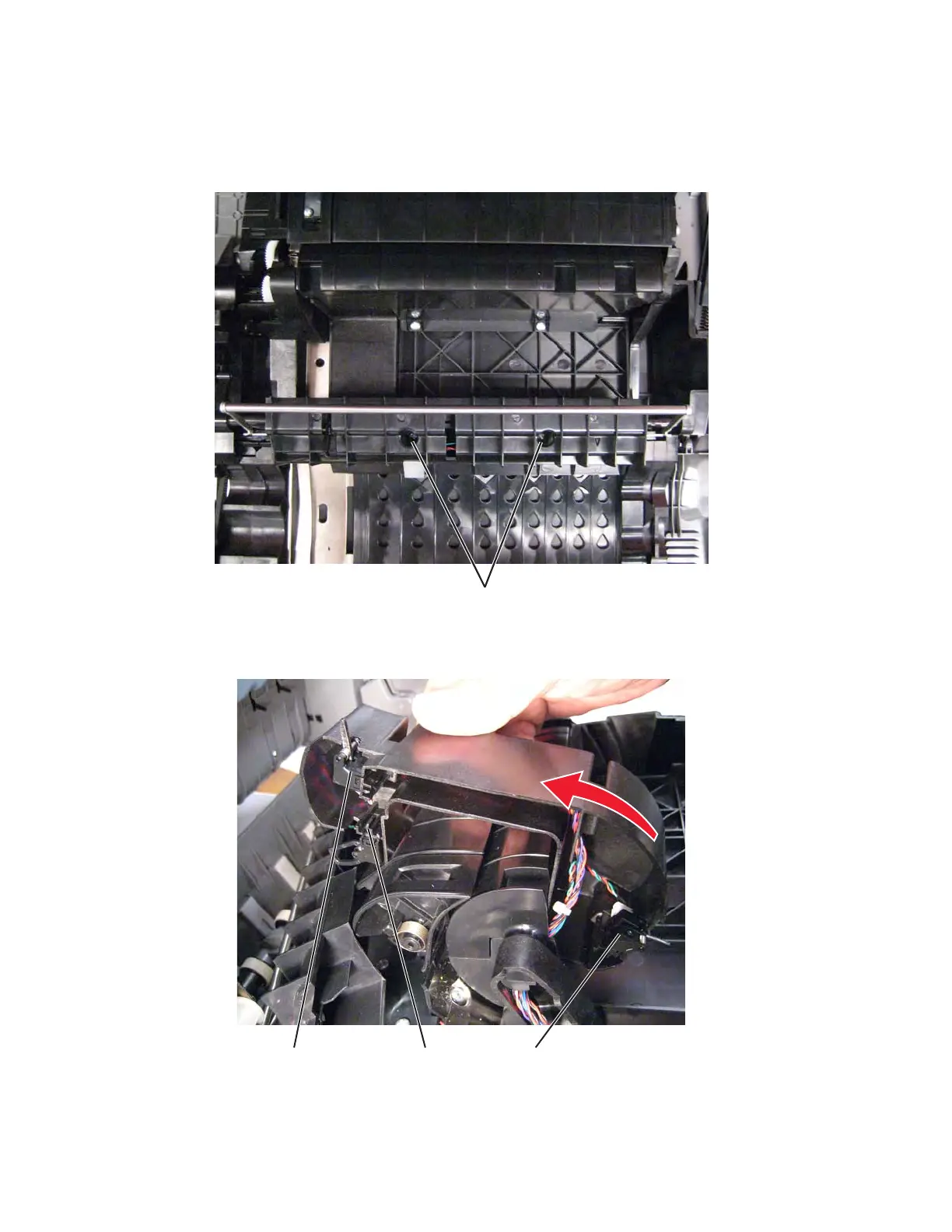
Sensor (D1, D2, and fuser bubble) removal
1. Open the left access door.
2. Remove two screws (A) from the duplex unit, and remove the rail cover.
3. Pull out the sensor assembly, and rotate it up.
4. Slide out the sensor you are replacing: fuser bubble (A), D1 (B), D2 (C).



 To Next Page