4-54 Service Manual
5062
EP drive assembly removal
See “Rear” on page 7-15 for the part number.
1. Remove the system board cage with board. See “System board cage with board removal” on
page 4-145.
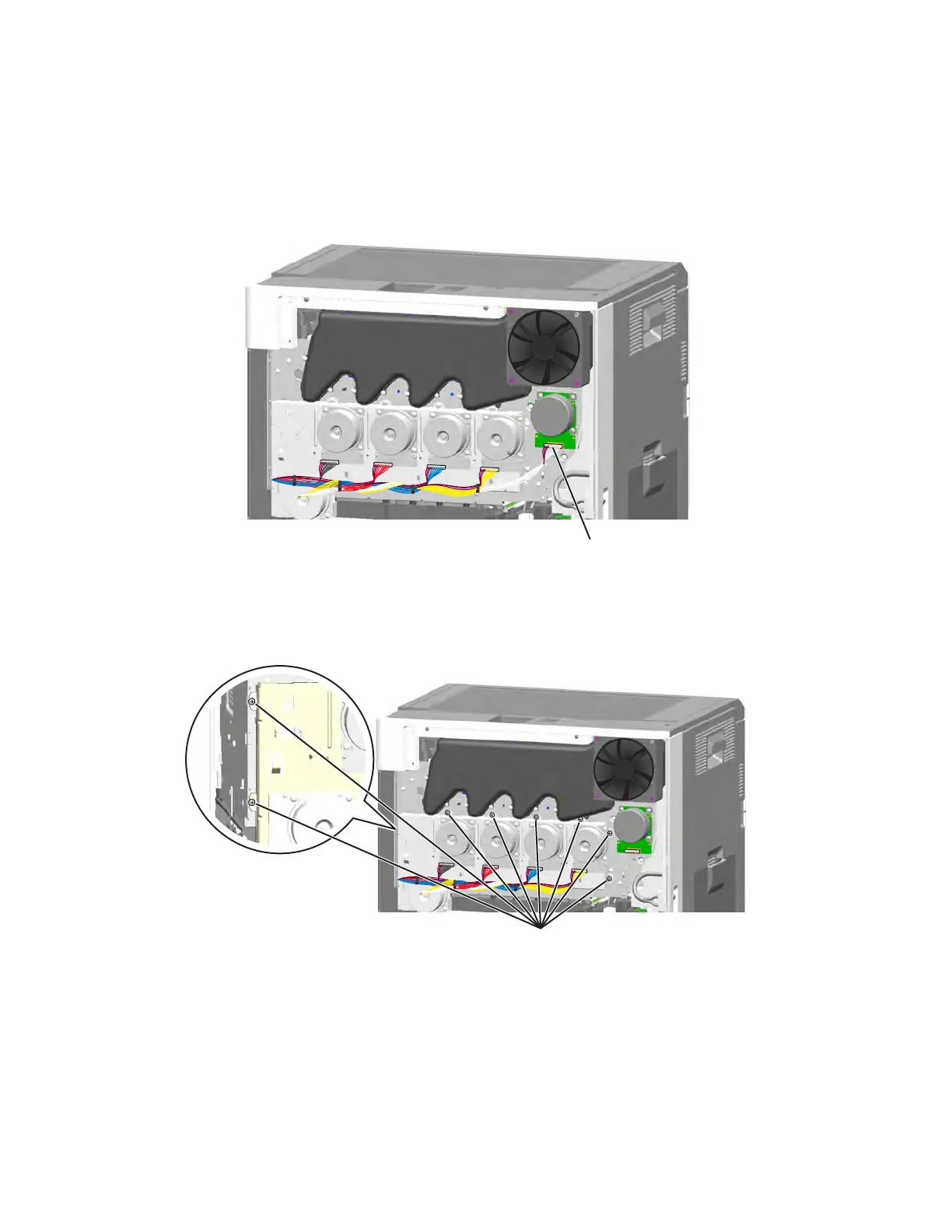
2. Disconnect the cable (A) from the fuser motor.
Note: If you are replacing the cables, remove the toroids from the old cables and use cable ties to attach
the toroids to the new cables.
3. Remove the eight screws (B).



 To Next Page