4-156 Service Manual
5062
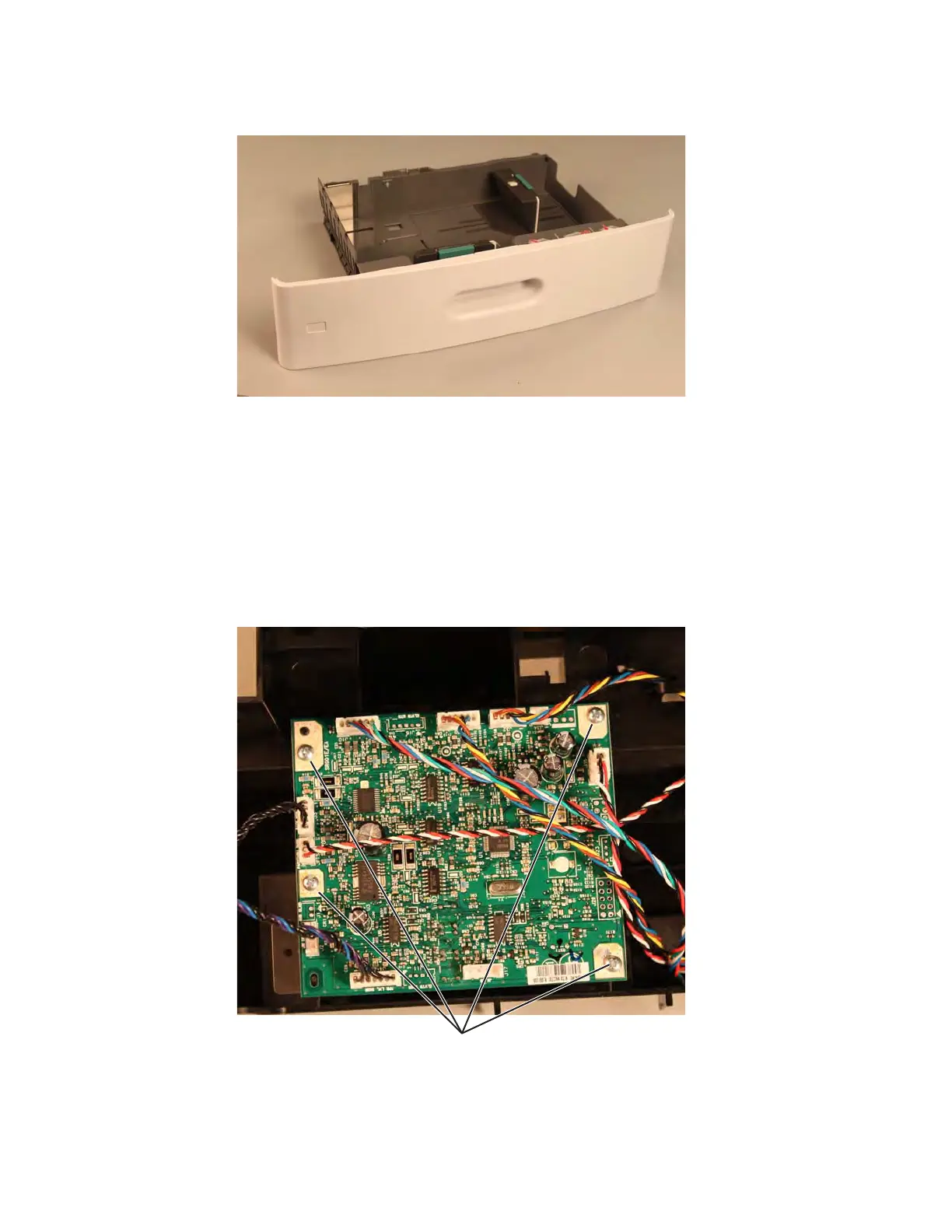
3. Slide the 550-sheet media tray assembly out of the drawer.
550-sheet tray controller card assembly removal
See“Optional 550-sheet drawer assembly” on page 7-19 for the part number.
1. Remove the media tray assembly. See “550-sheet media tray assembly removal” on page 4-155.
2. Remove the top metal cover. See “550-sheet tray top metal cover removal” on page 4-172.
3. Remove the deflector. See “550-sheet tray deflector removal” on page 4-158.
4. Remove the pick assembly. See “550-sheet tray pick assembly removal” on page 4-165.
5. Remove the drive assembly. See “550-sheet tray drive assembly removal” on page 4-159.
6. Disconnect all connectors from the controller card assembly.
7. Remove the four screws (A) securing the controller card assembly to the drive assembly.



 To Next Page