4-32 Service Manual
5062
11. Remove the top cover.
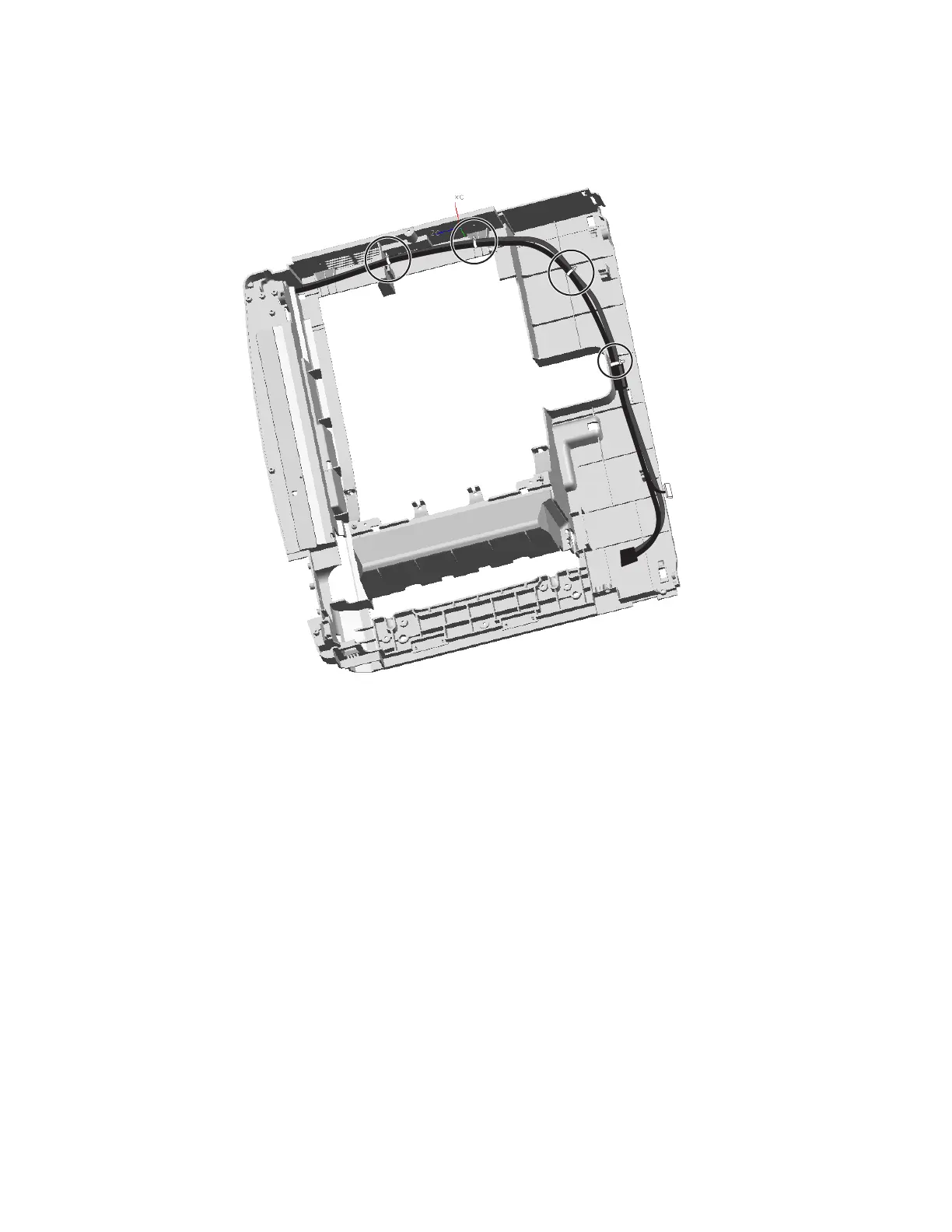
Note: If you are removing the top cover to replace the cover or the cables tied to it, then clip the four cable
ties and remove the operator panel and sensor cables. If you are replacing the cover, then also disconnect
the output option cable from JOOPT1 on the system board.
Waste toner left cover removal
See “Top, right, and front covers” on page 7-3 for the part number.
1. Remove the standard media tray. See “Standard media tray removal” on page 4-142.
2. Remove the logo panel. See “Logo panel removal” on page 4-81.
3. Remove the yellow print cartridge.



 To Next Page