Repair information 4-257
5062
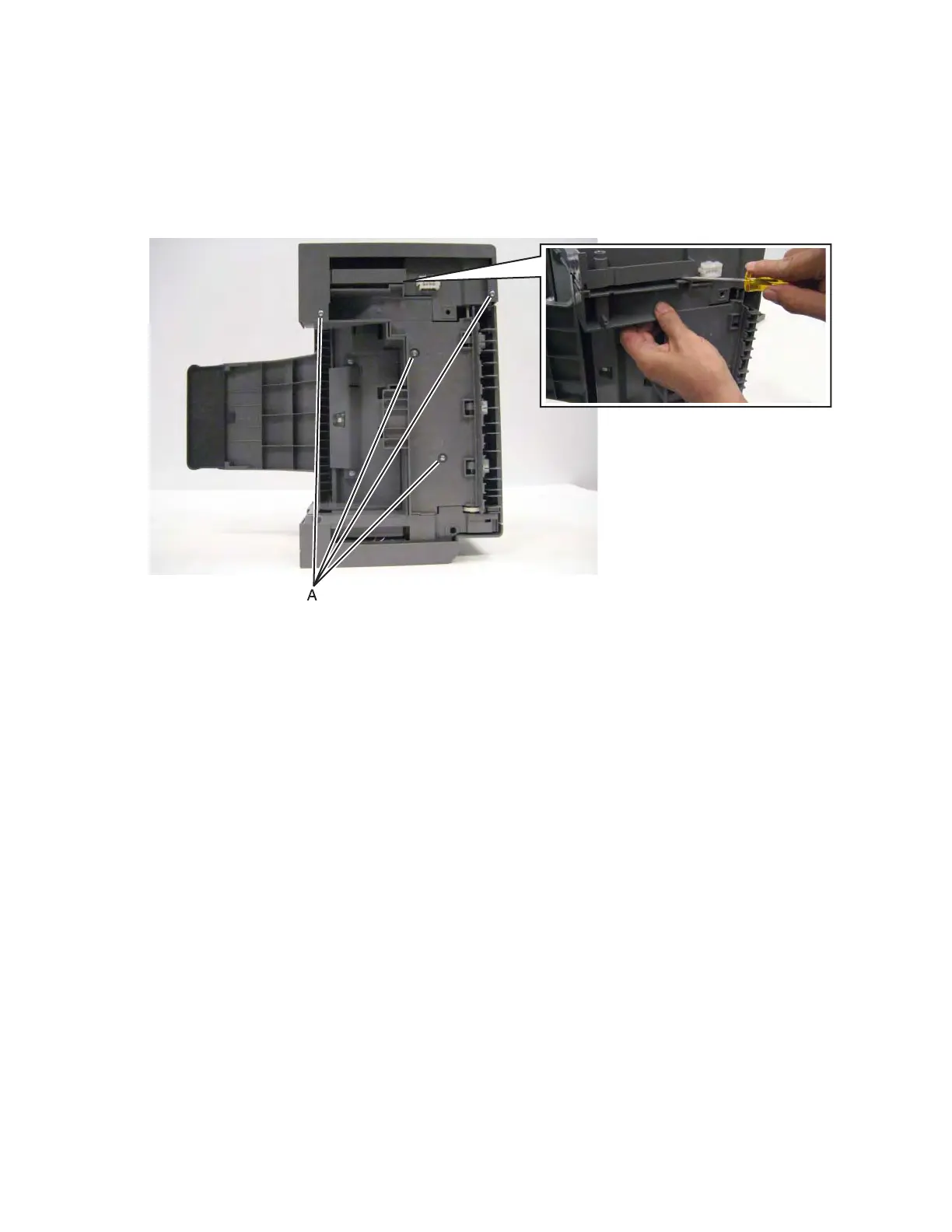
Finisher or stacker rear cover removal
See “Finisher assembly” on page 7-23 for the part number.
1. Remove the option from the printer.
2. Remove the four screws (A) from the bottom of the option.
3. Using a flat-blade screwdriver, pry out the bottom plate, and then remove it.



 To Next Page