4-238 Service Manual
5062
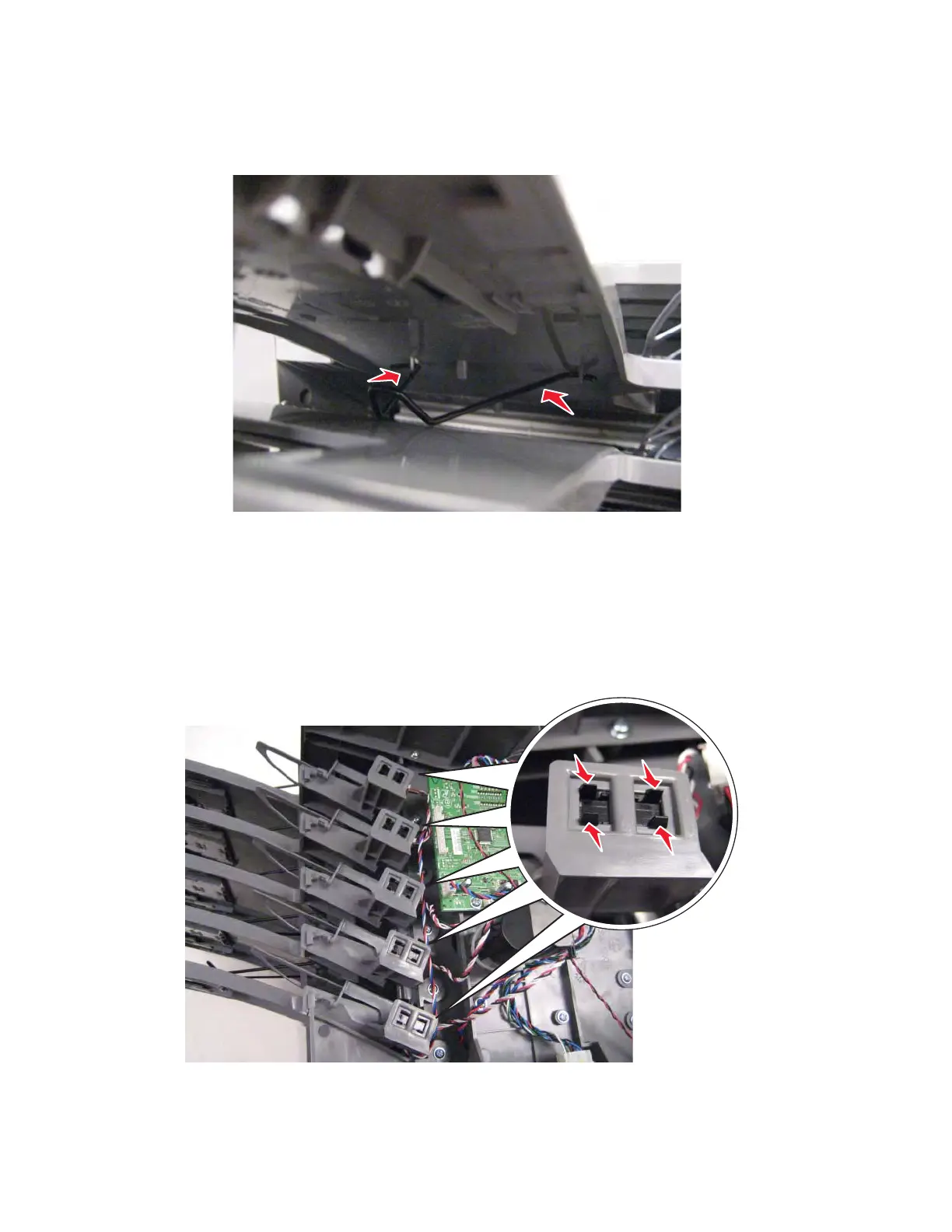
Lower four bails:
1.
Squeeze both sides of the bail to release the arms from the slots.
2. Remove the bail.
5-bin mailbox output bin sensors removal
1. Remove the mailbox from the printer.
2. Remove the rear cover. See “5-bin mailbox rear cover removal” on page 4-239.
3. Press in the tabs to pop out the sensor you need to replace.
4. Disconnect the cable to remove the sensor.
Installation note: When you put the sensor in place, be sure the side with the cable connector faces the printer
circuit board.



 To Next Page