Repair information 4-63
5062
Fuser system card and LVPS cable removal
See “Left (continued)” on page 7-13 for the part number.
1. Remove the ITU. See “ITU assembly removal” on page 4-72.
2. Remove the fuser. See “Fuser assembly removal” on page 4-58.
3. Remove the waste toner left cover. See “Waste toner left cover removal” on page 4-32.
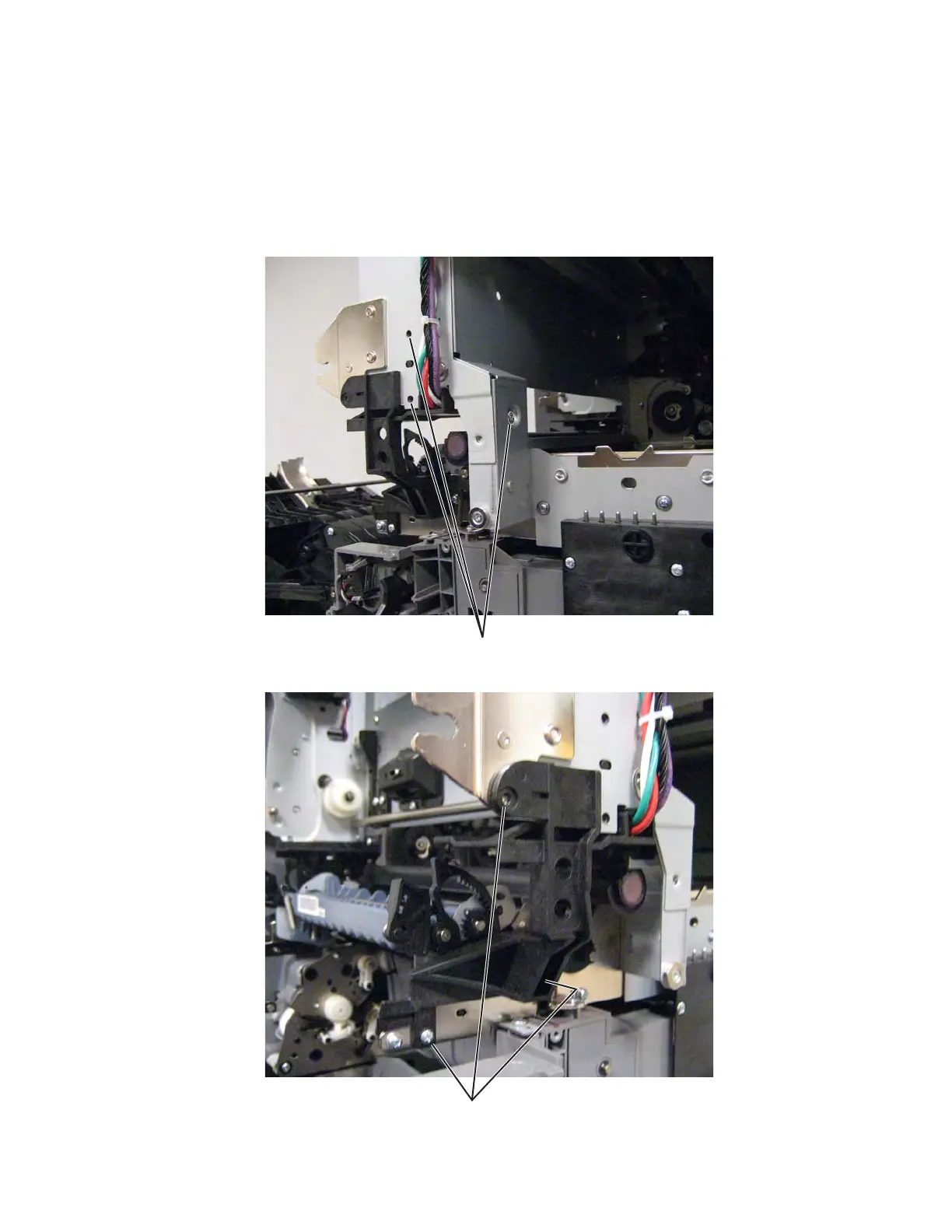
4. Remove three screws (A),
5. Remove three screws (B).



 To Next Page