2-114 Service Manual
5062
D1 and D2 sensor service check
6
Replace the duplex assembly. See “Duplex
assembly removal” on page 4-51.
Is the problem fixed?
Problem solved. Replace the system board.
See “System board
removal” on page 4-142.
Step Questions / actions Yes No
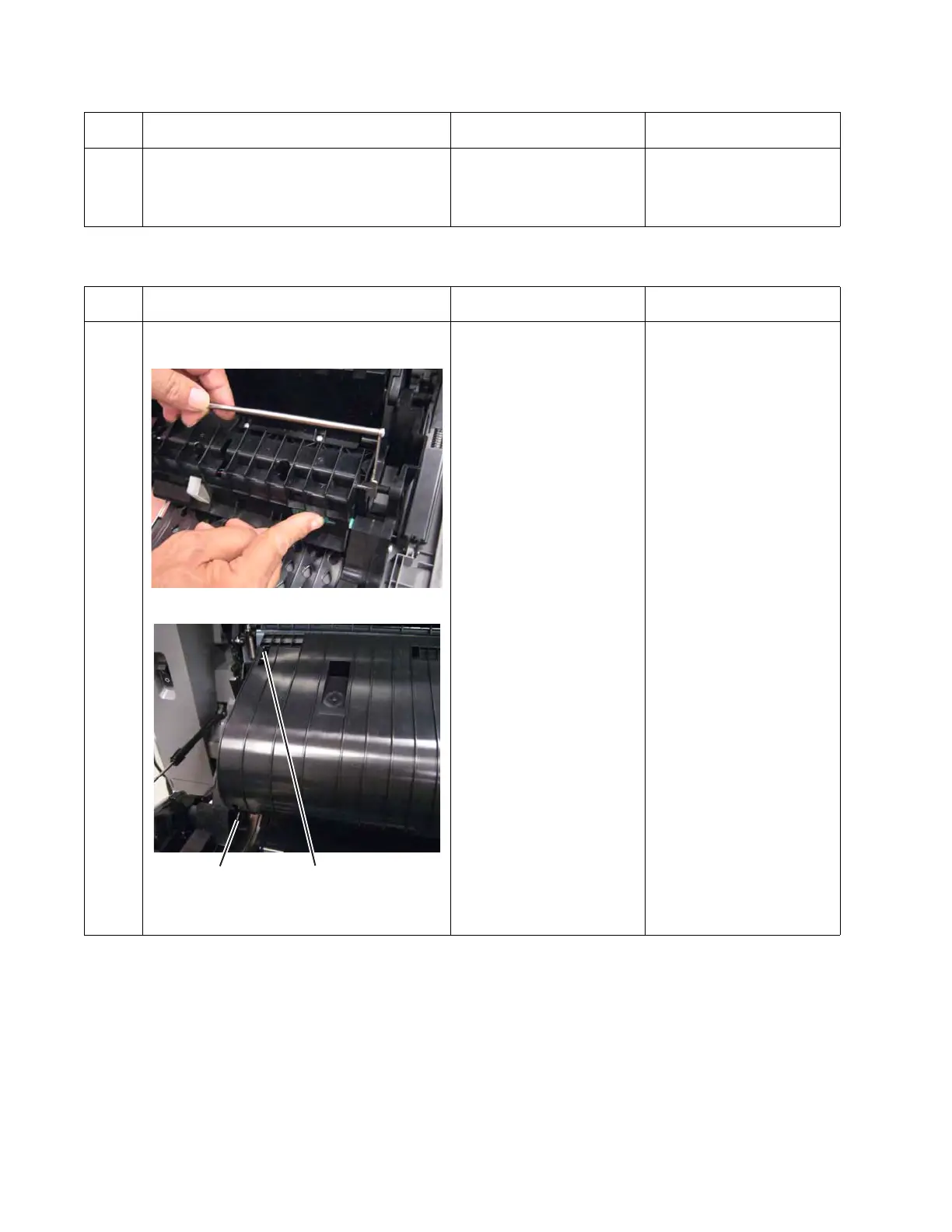
1 Open the left access door, and open the
duplex assembly.
Is the D1 or D2 flag damaged?
Replace the damaged
sensor. See “Sensor (D1,
D2, and fuser bubble)
removal” on page 4-132.
Go to step 2.
Step Questions / actions Yes No



 To Next Page