Diagnostic information 2-115
5062
2
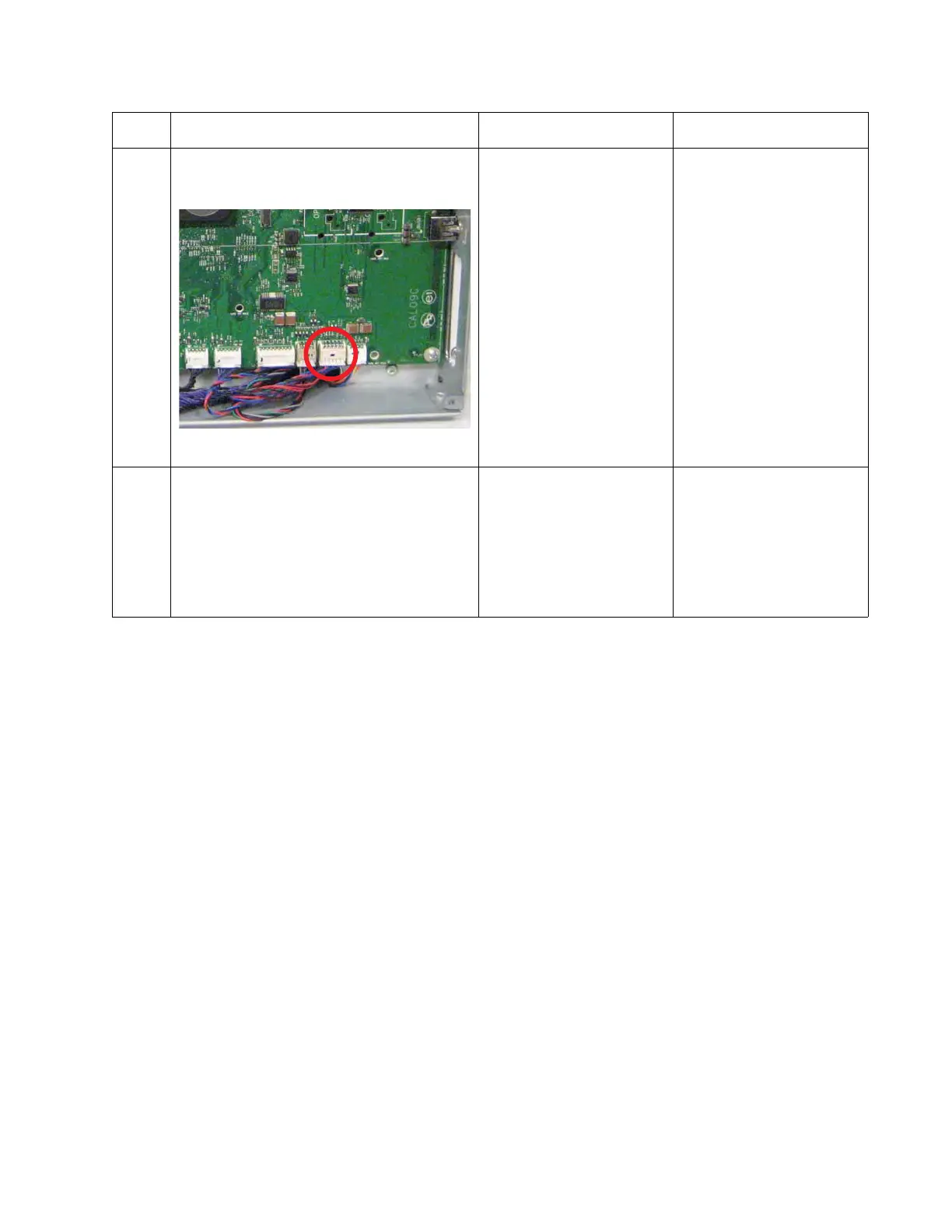
Open the system board shield. Check the
cable in connector JDP1 for proper
connection to the system card.
Is the cable properly connected?
Go step 3. Reseat the cable.
3
Check the cable for damage.
Is the cable damaged?
Replace the duplexer
cable.
To access the cable, see
“LVPS exit duct removal”
on page 4-85
and
“Left cover removal” on
page 4-10.
Go step 4.
Step Questions / actions Yes No



 To Next Page