4-122 Service Manual
5062
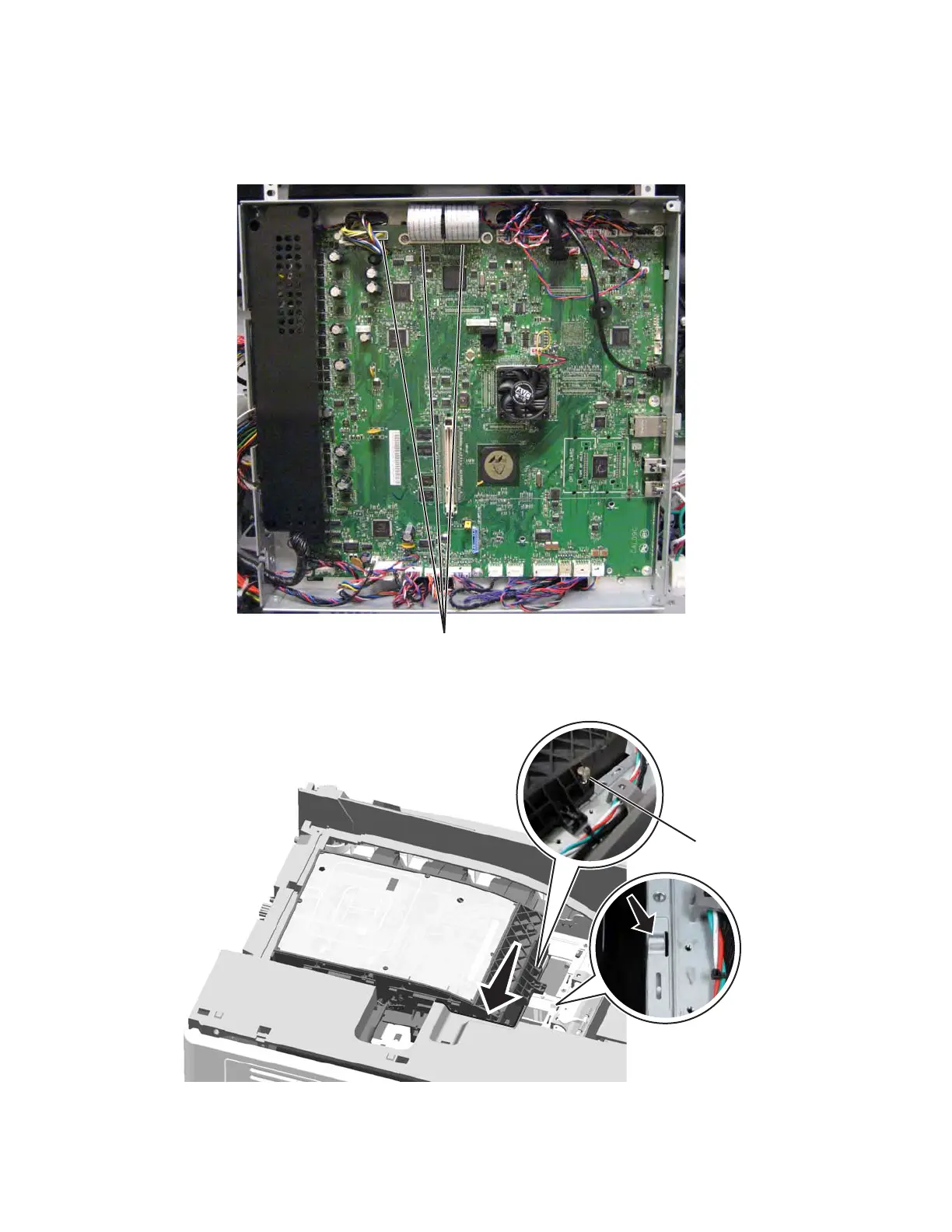
3. Route the three printhead cables (A) through the frame, and then connect them to the system board.
Warning: Be careful reconnecting the printhead ribbon cables. Flat ribbon cables can easily be
damaged and should be connected gently by hand.
4. Slide the left side of the printhead toward the back of the printer until the bottom of the coarse alignment
screw (B) stops against the ridge in the printer frame.



 To Next Page