Repair information 4-127
5062
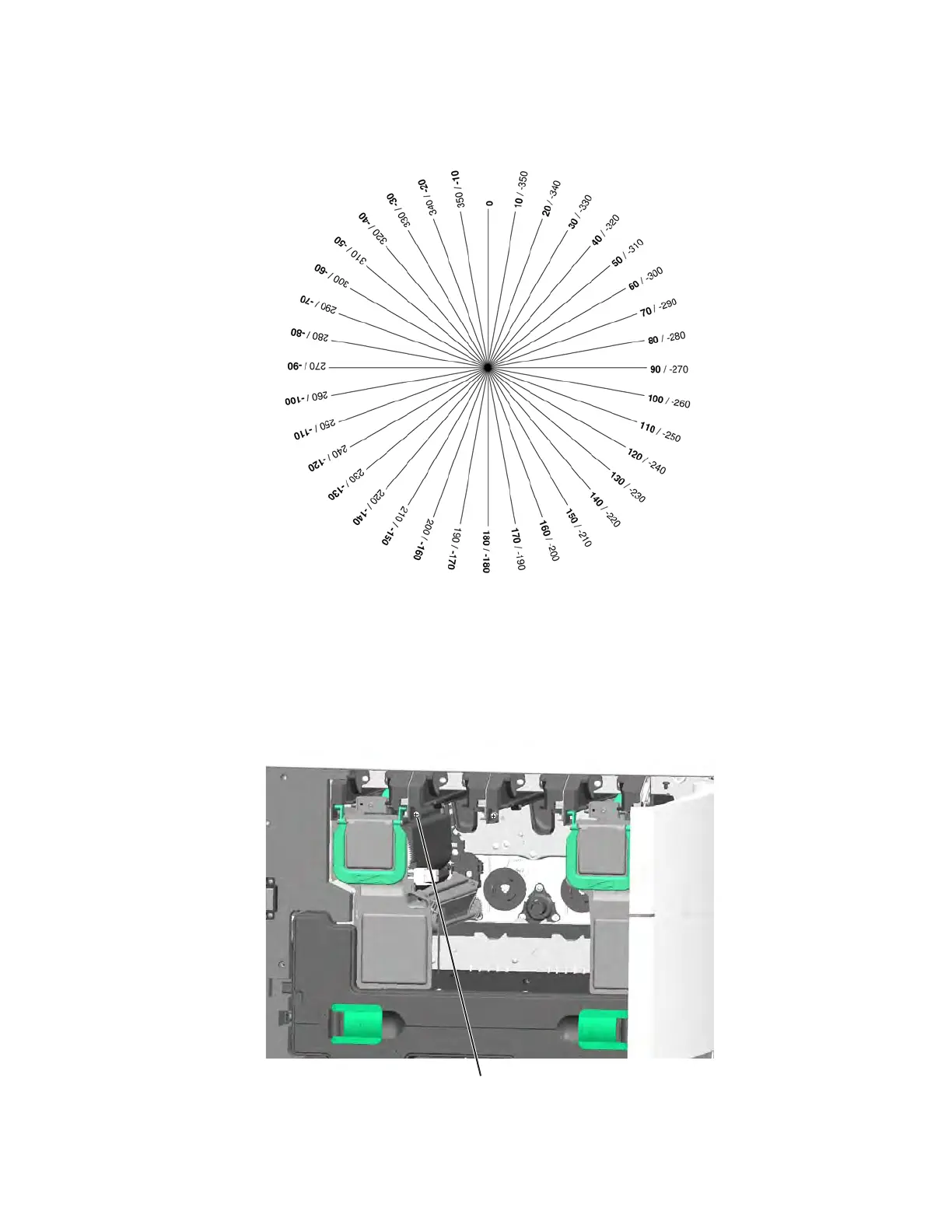
To use the skew tool, punch a screwdriver through the center of the wheel. Using a mark on the
screwdriver handle as a point of reference, turn the paper until 0 lines up with your mark.
3. From the Diagnostic menu, navigate to:
ALIGNMENT MENU > Yellow > Quick Test
Two alignment pages print. The first page is for adjusting the Skew and Top Margin, and the second page
is for the Left Margin and Right Margin. For now you just need the Skew instructions on the first page.
4. Holding the skew wheel with the 0 at the mark on your screwdriver, place the screwdriver in the yellow
adjustment screw (E) next to the yellow cartridge, and then turn the screwdriver to the number indicated on
the alignment page—clockwise for a positive number, counterclockwise for a negative number.



 To Next Page